TransferNow alternatives for business: file tools (2026)

TransferNow alternatives for business are easier to compare when you look beyond file size: check client return routes, branded links and access rules too. Tarkle's file sharing lets you send files and folders with one branded link. File requests let clients send files back using one link. A client portal is available on Pro and Agency. This page compares six tools: Tarkle, TransferNow, Smash, Filemail, SwissTransfer and WeTransfer. Vendor pages were checked on November 17, 2026.
What a client needs to do with a file
Four tasks come up most often when you send files to a client:
Open and download. Does the client need an account, and can they get the files in one step?
Return files. Can the client send files back to you, and where do they land?
Branded link. Does the link carry your name, your logo or your own address?
Control and status. Can you set who opens the link and see whether it was opened?
File size still matters for some jobs, so each tool section below gives its limits.
TransferNow alternatives for business, tool by tool
The comparison below focuses on published transfer limits and expiry, then the sections explain what each service offers for client exchanges. Compare the same handoff across tools: a client opening a file, sending files back, and finding the right link later. A large transfer limit answers only one part of that job.
Tool | Published transfer detail |
|---|---|
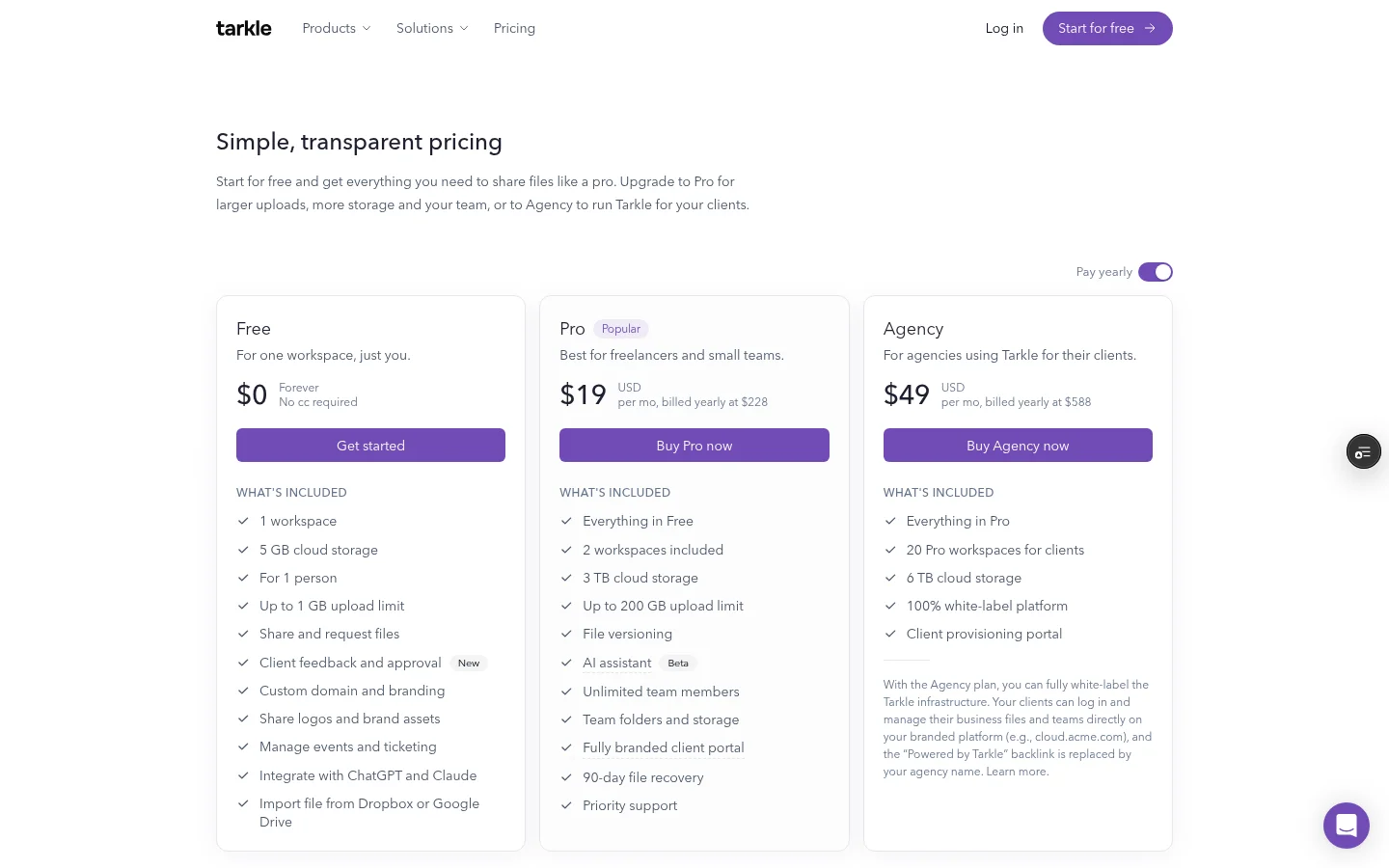
Tarkle | Free: 1 GB per file; Pro and Agency: 200 GB per file. |
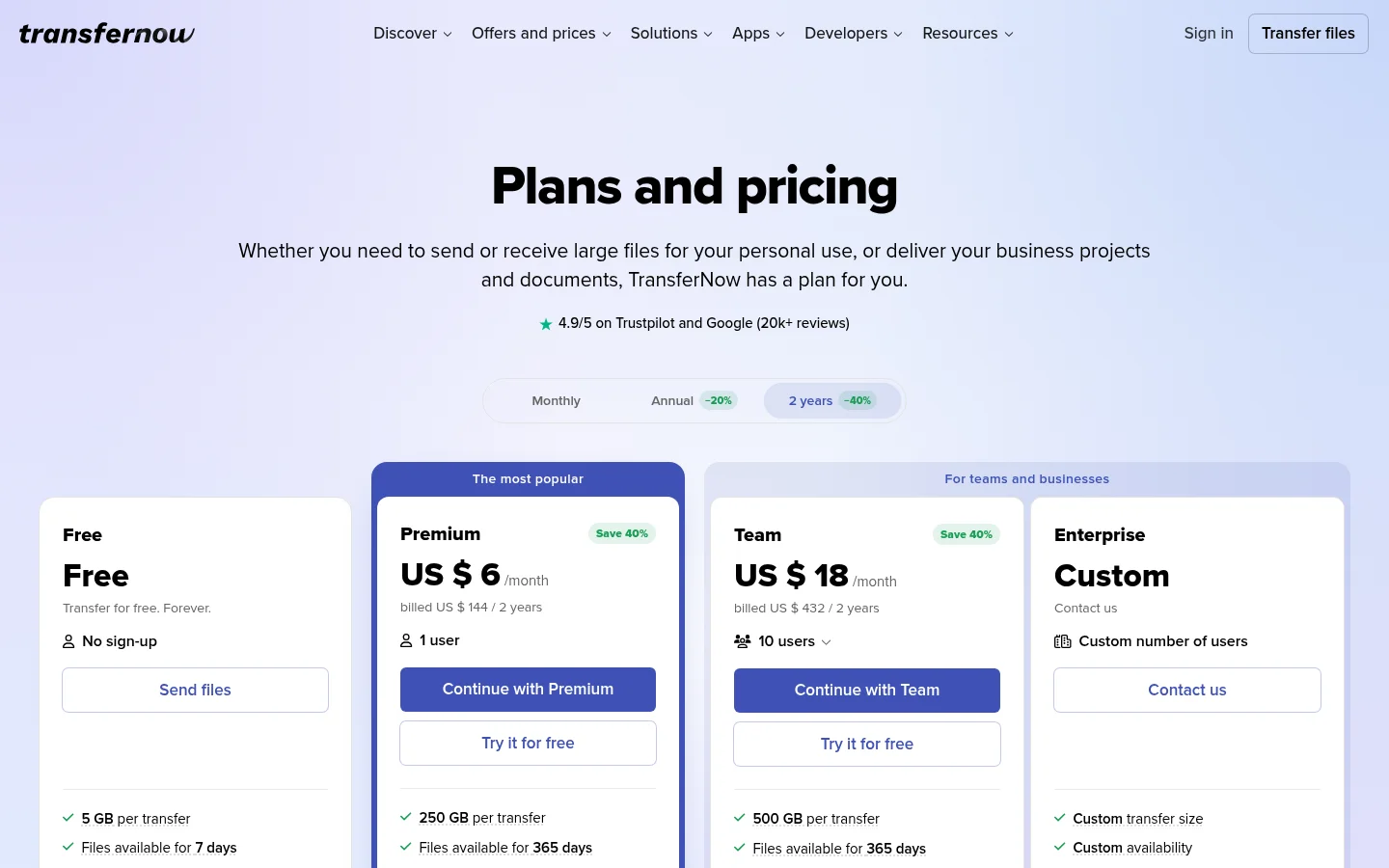
Free: 5 GB per transfer; Premium: 250 GB; Team: 500 GB. Free files are available for 7 days. Published November 2026. | |
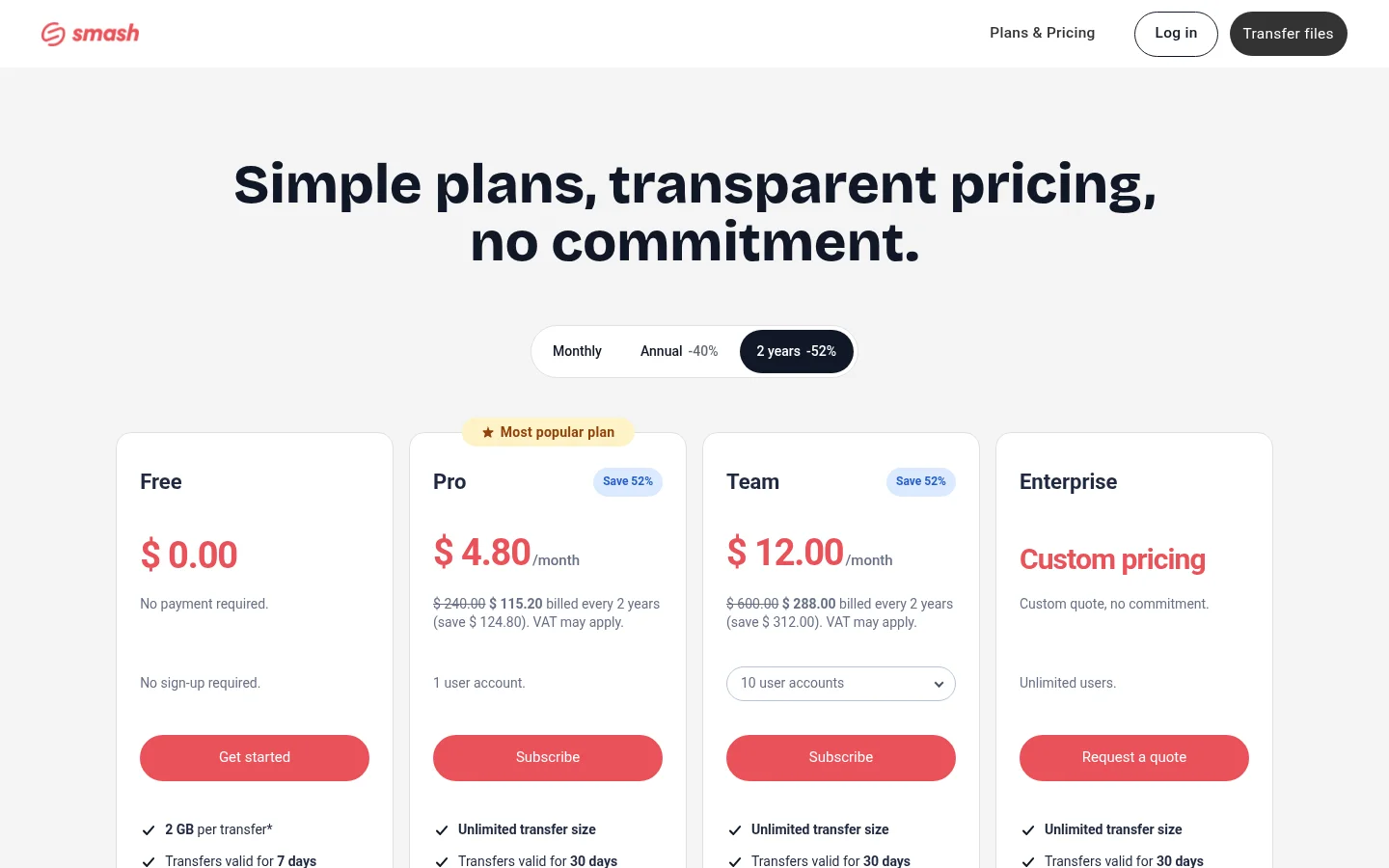
Free: 2 GB per transfer, valid for 7 days. Published November 2026. | |
Personal: 5 GB; Pro: 250 GB per transfer. Published November 2026. | |
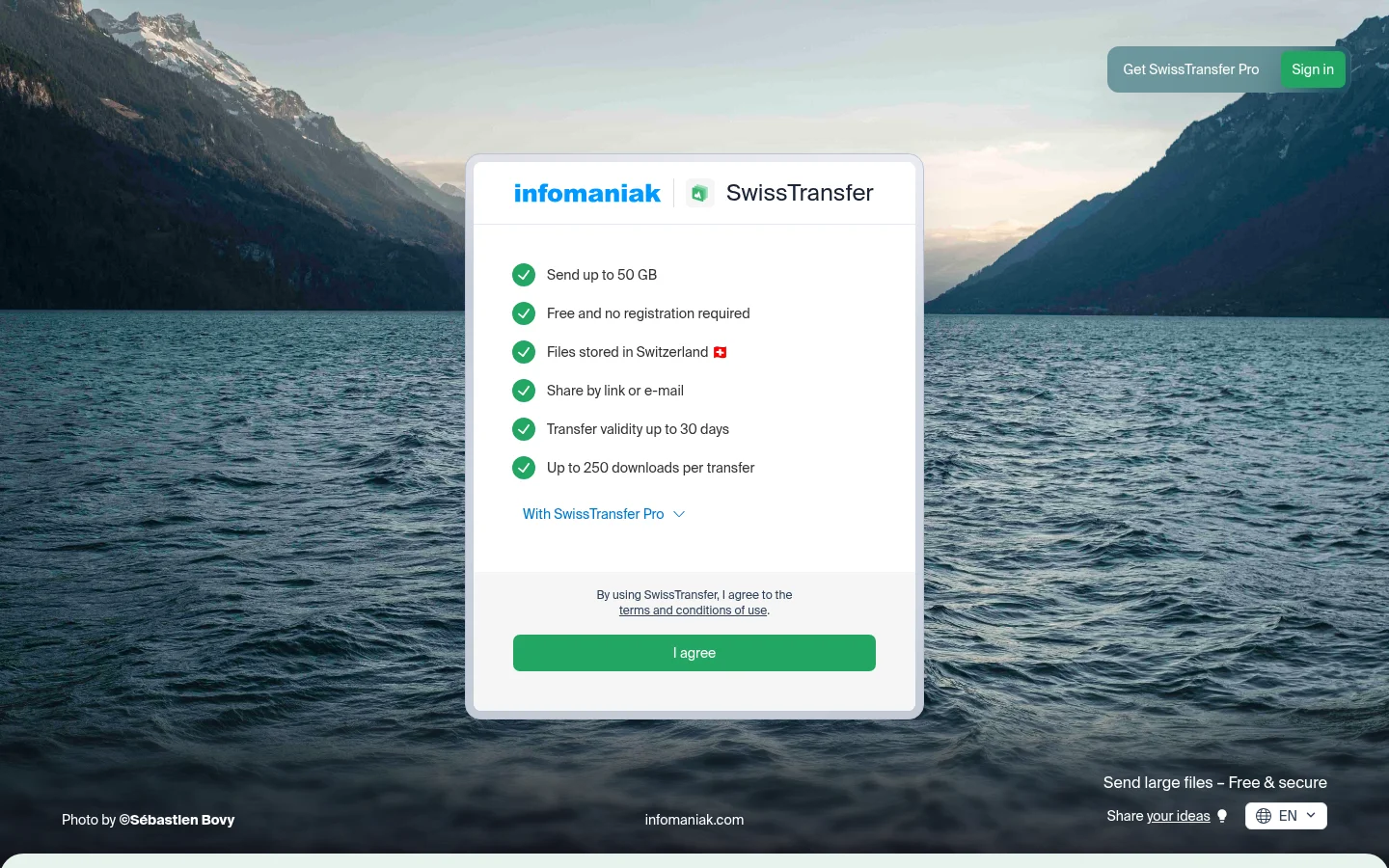
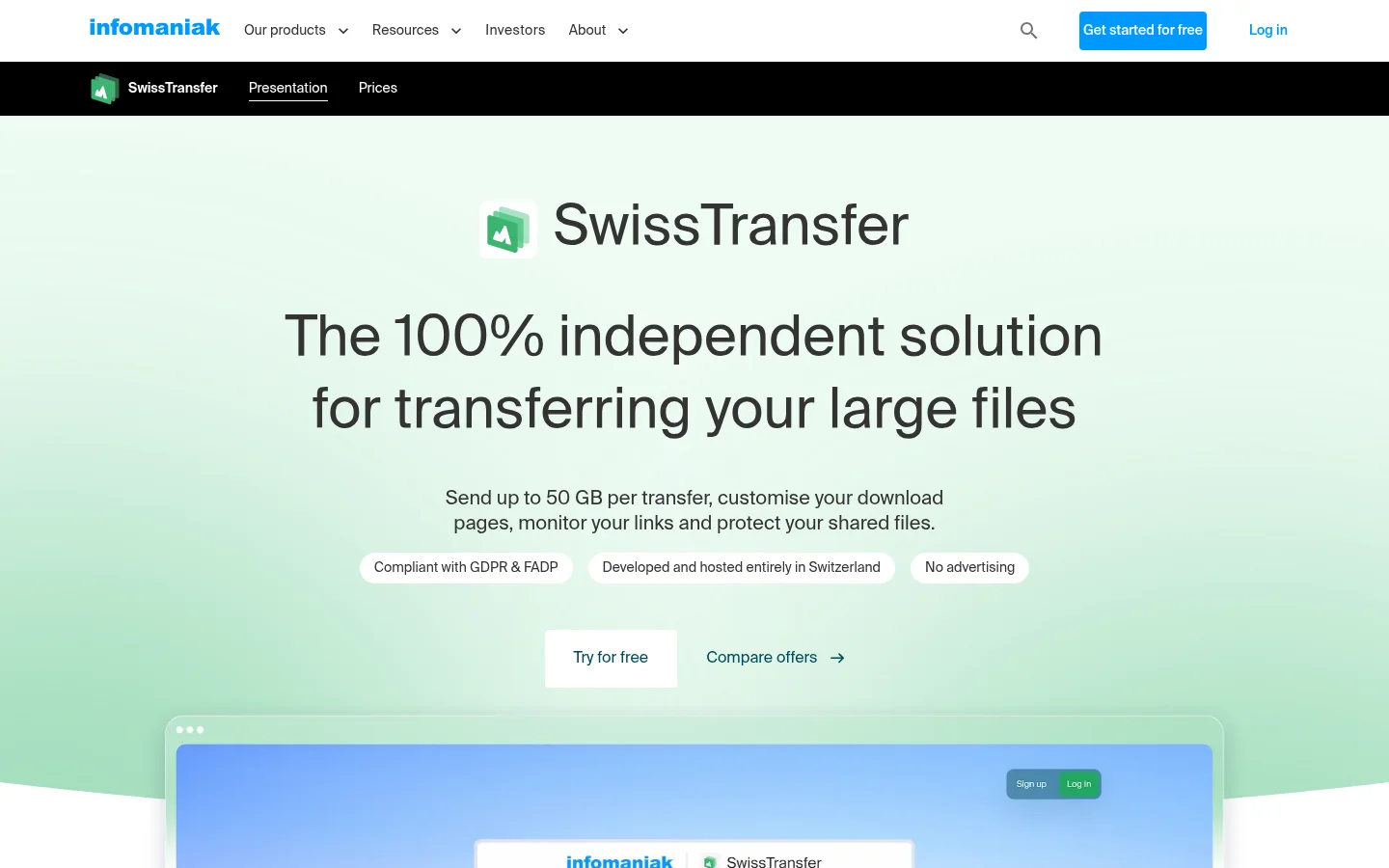
Free transfers up to 50 GB per transfer. Published November 2026. | |
Free: up to 10 transfers or 3 GB in any 30-day period. Free transfers stay available for up to 3 days (availability details). Published November 2026. |
Tarkle
Tarkle's transfer status shows whether a transfer was delivered, viewed or downloaded. Its custom transfer links can carry a name that fits your brand.
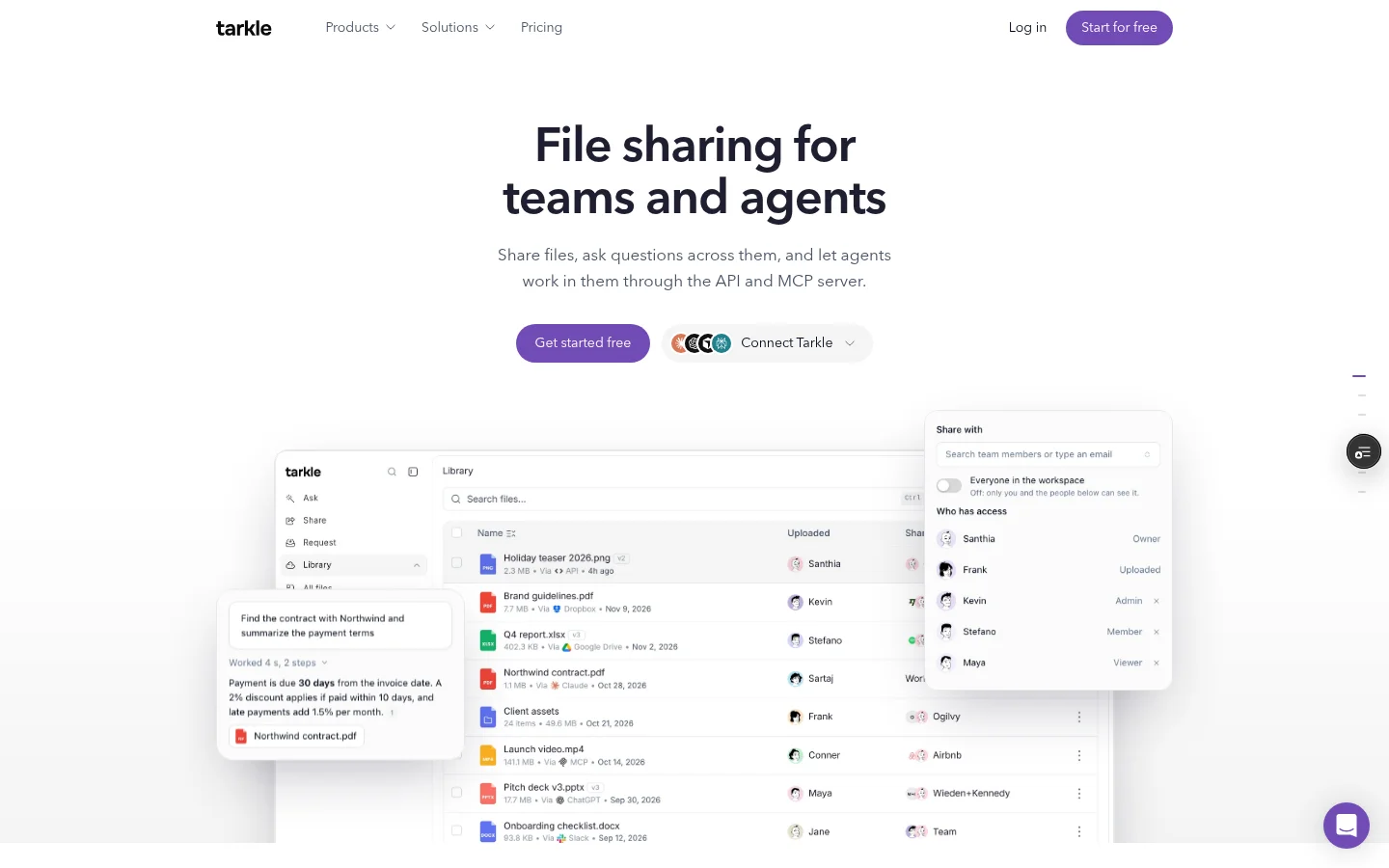
Custom transfer link names are available on Pro and Agency, not Free. Compare the plans when custom links or portal access are part of your decision.
For a transfer restricted to one client organization, a signed-in client member whose organization matches it can open the transfer. Workspace members can also open it. The access-control help article explains how that access works.
The workspace portal must be enabled. Portal access must also be enabled for each client contact before they can sign in.
TransferNow
TransferNow's pricing page also lists file-reception features, including email requests and drop links. For a direct look at the two products, read the Tarkle and TransferNow comparison.
Smash
Smash lists file reception and transfer customization among its paid-plan features.
Filemail
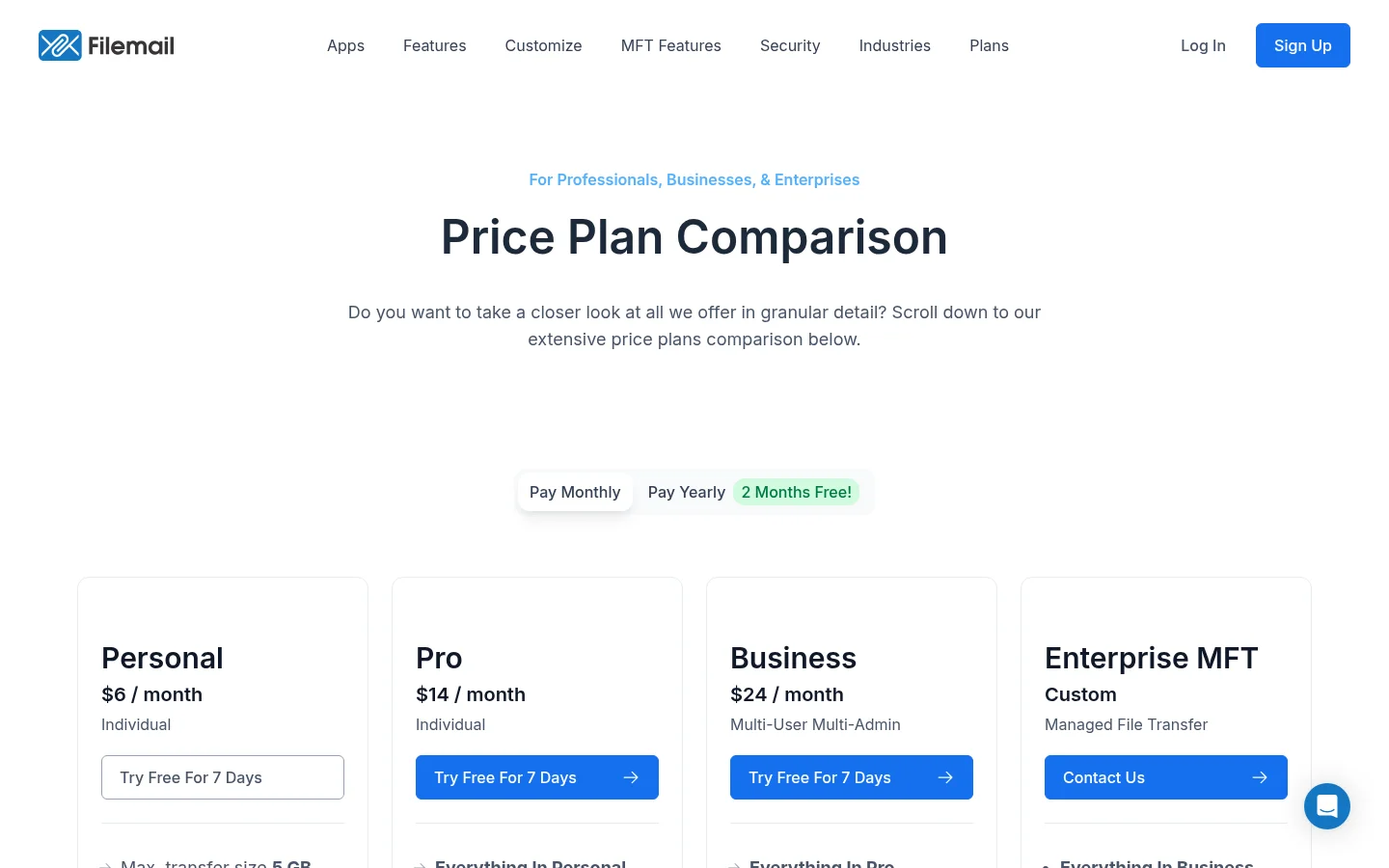
Filemail's Business plan lists portals with dedicated inboxes and file requests. The Business plan details show the features it publishes for teams.
SwissTransfer
Infomaniak describes interface customization and transaction history as features of paid SwissTransfer offers.
WeTransfer
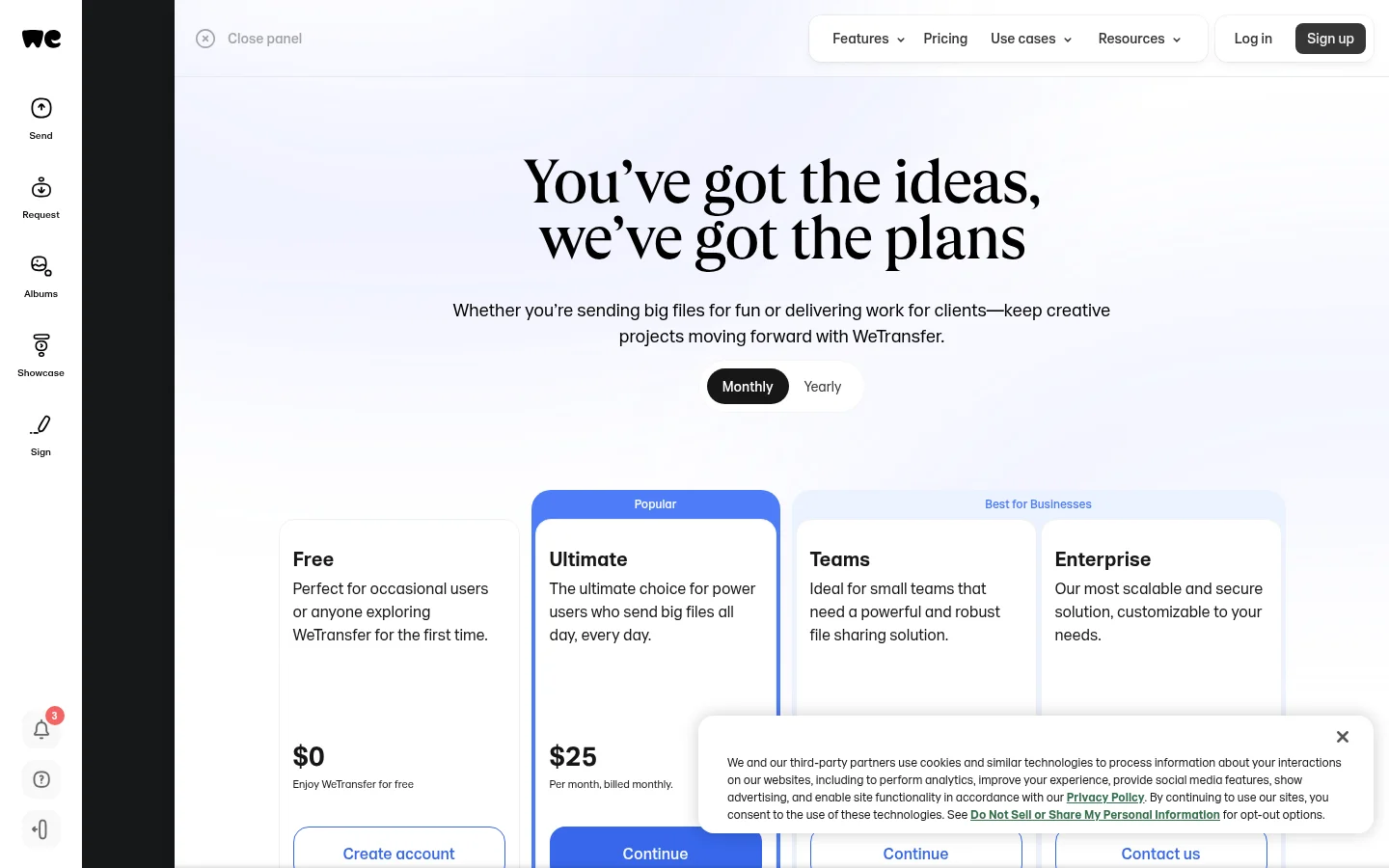
WeTransfer's published Free allowance and expiry appear in the comparison table. Its Teams information describes shared workspaces and team brand controls.
Which tool fits your work
Transfer size, expiry and return routes are separate checks. A large file limit answers only the first; the plan descriptions and client-access settings shape what a recurring exchange looks like. Start with a project you handle often: identify the files, recipients, link lifetime and return folder, then compare those needs against each provider's published details.
Write down the largest file you usually send, how long its link needs to stay open, and whether clients must send files back. Use that same checklist against each plan page.
For setup steps, see how to share a transfer. For a broader comparison, read the SendGB alternatives article.
What to remember about Tarkle
Tarkle combines branded file sharing with file requests and a client portal for business file exchanges. Compare Tarkle's plans, then start for free.