The AI agent for your business files
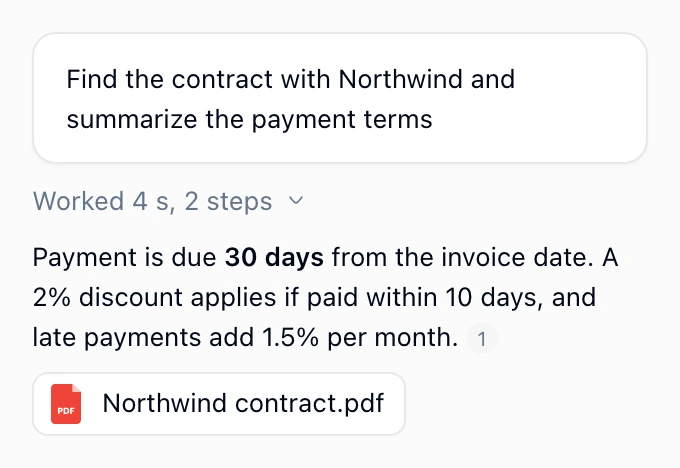
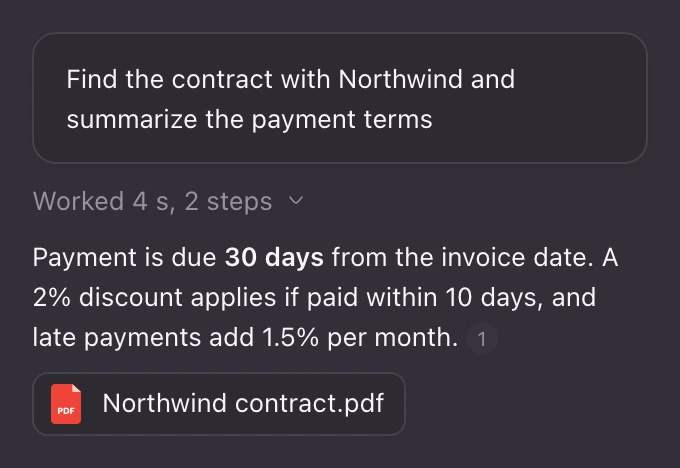
Ask in plain words. Tarkle finds, moves and shares your files, and checks with you before anything changes.
Create transfer “Q4 pack”
Add @Rick to the Northwind folder
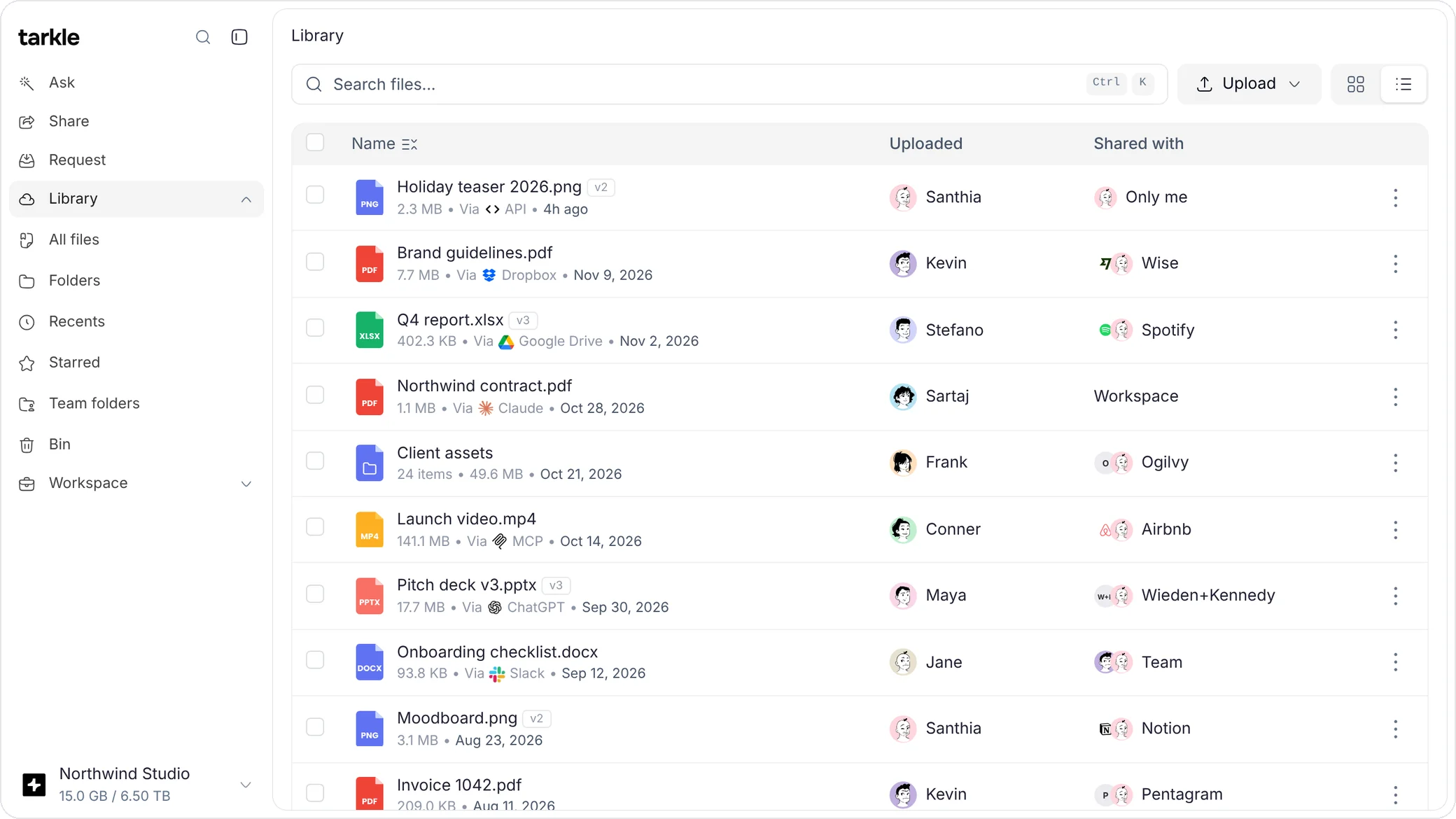
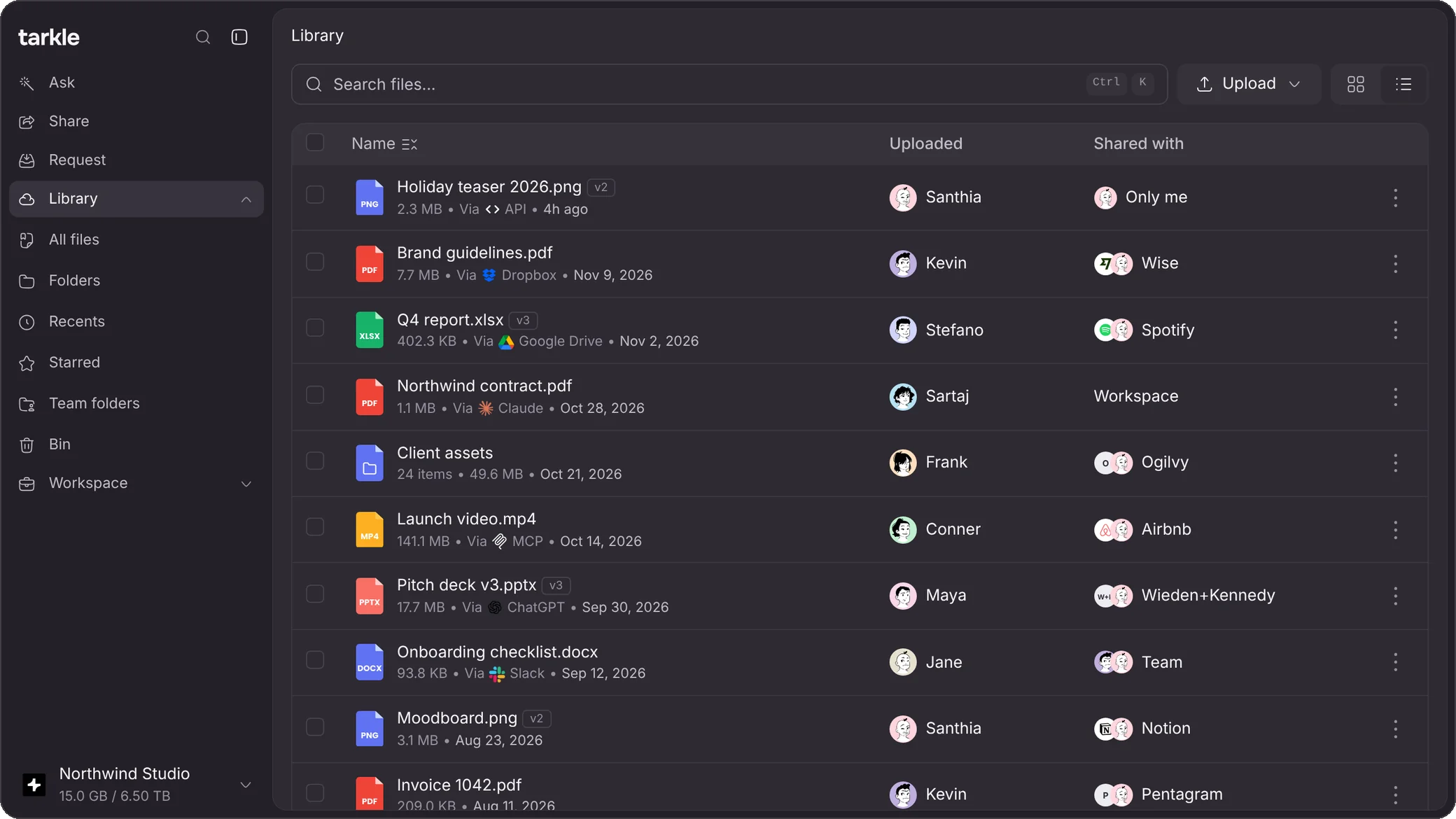
Share files, ask questions across them, and let agents work in them through the API and MCP server.


Ask in plain words. Tarkle finds, moves and shares your files, and checks with you before anything changes.
Create transfer “Q4 pack”
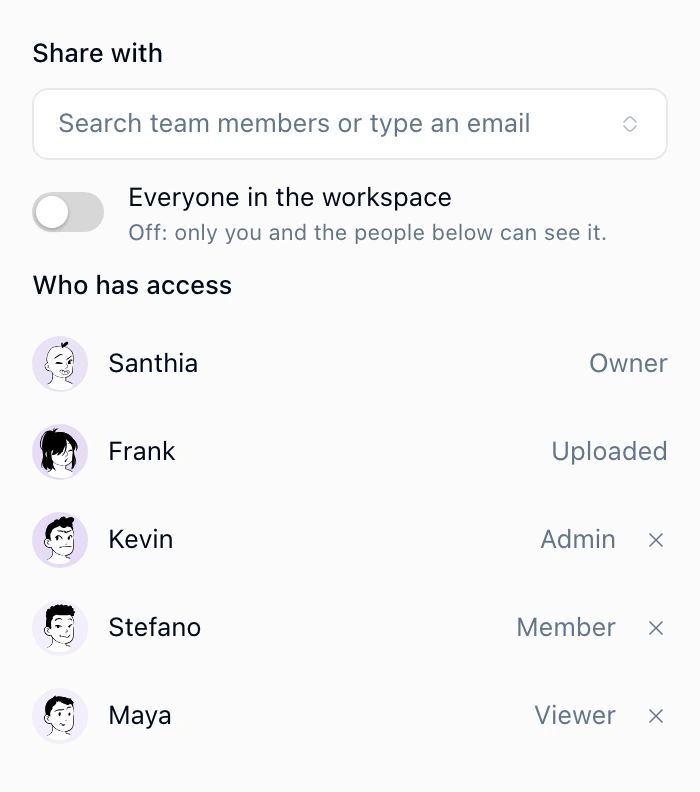
Add @Rick to the Northwind folder
Give every team and client its own storage, and see how much each one uses.
Send up to 200 GB from your own domain, with a password and an expiry date.
Collect files from clients and contacts with an upload link on your own domain.
Collect comments and approvals on images and PDFs, on your own domain.
A page for a brand's logo, colors and fonts, on your own domain.
See when files are viewed or downloaded, and from where, with alerts in Slack.
Slack
Message Tarkle in Slack to find, upload, organize and share files, the same way you do in the app. Approve each change with a button, and get an alert when someone opens a link, and from where.
A direct message with Tarkle in Slack. Maya writes: upload these Q4 decks to Tarkle and share them with sam@riders.com, with three files attached. Tarkle answers: Saved 3 files to Tarkle in Q4 decks. Then a card: Create transfer Q4 decks, anyone with the link can open it, and email it to sam@riders.com, with Approve and Deny buttons. Approve is pressed and the card turns to Done with the link, an Open Q4 decks button and Undo. Later Tarkle sends an alert: someone viewed the transfer, from London, with buttons View transfer and View on dashboard.
Whatever your industry, if your work reaches other people as files, Tarkle fits how you send it.

Keep files, feedback and client work in one organized place, from the first draft to the final approval.

Give every client a workspace on your own platform, with your name, logo and domain in place of Tarkle's.

Collect artwork, photos and documents with every order, up to 200 GB a file, and review them before you print.

Share large video and audio files as one link that plays in the browser, up to 200 GB a file.

Deliver full-resolution photos on a page of their own, and get comments pinned to each image.

Collect documents with file requests, share finished work in a client portal, and keep each client's files in one place.
Anything you can do in the app, your code and your agents can do too.
curl "https://tarkle.tech/api/v1/files/search?q=rent+due" \ -H "Authorization: Bearer $TARKLE_API_KEY" \ -H "X-Workspace-Key: $TARKLE_WORKSPACE"Assistants, payments, email, automation and analytics, connected from Settings.
Something we missed?
Tarkle is file sharing for teams and agents. Share files with clients, keep them in one place and ask questions across them. Agents and your own code can work in your files too, through the API and the MCP server.
In the web app, where Ask Tarkle answers questions across your files. In your AI assistants through the MCP server: Claude, ChatGPT, Grok and Perplexity can connect, and so can any other assistant that supports remote MCP connectors. From code with the API, the CLI and the GitHub Action. And in Slack, where @Tarkle answers from your files on Pro and above.
Yes. Pro and Agency include unlimited team members; Free is for one person. Agency adds client workspaces, up to 10, and white label with your own logo, accent colour and domain.
Free never expires. It includes 5 GB of storage, files and transfers up to 1 GB, one workspace for one person, a custom domain, and Ask Tarkle with 1,000 AI credits a month.
Every plan includes AI credits each month; Free has 1,000, up to 150 a day. When they run out you can buy extra credits, which expire after 12 months. Every plan can also bring its own AI key from Anthropic, OpenAI or Google, with no purchase needed. When your key is on it pays instead of Tarkle credits. Free allows one key and 50 questions a day in total.