Tarkle vs CentreStack: hosted sharing or MSP file server
CentreStack is designed for MSPs connecting clients to existing file servers, while Tarkle centers on branded file sharing and file requests for client work. This page separates those workflows and compares published features and prices.
Last checked: November 2026.
What CentreStack is
CentreStack presents itself as an MSP platform for remote access to client file servers and cloud storage. Its home page describes two deployment models: self-host in an MSP’s data center or use CentreStack’s cloud service. The page also describes creating client tenants. It says MSPs can connect client file servers or cloud storage.
What CentreStack offers
The CentreStack home page describes mapped drives for remote file access without a VPN, file locking, and web links for sharing files or receiving uploads from a browser. It also describes multi-tenant management and white-label branding from the web interface to mobile apps.
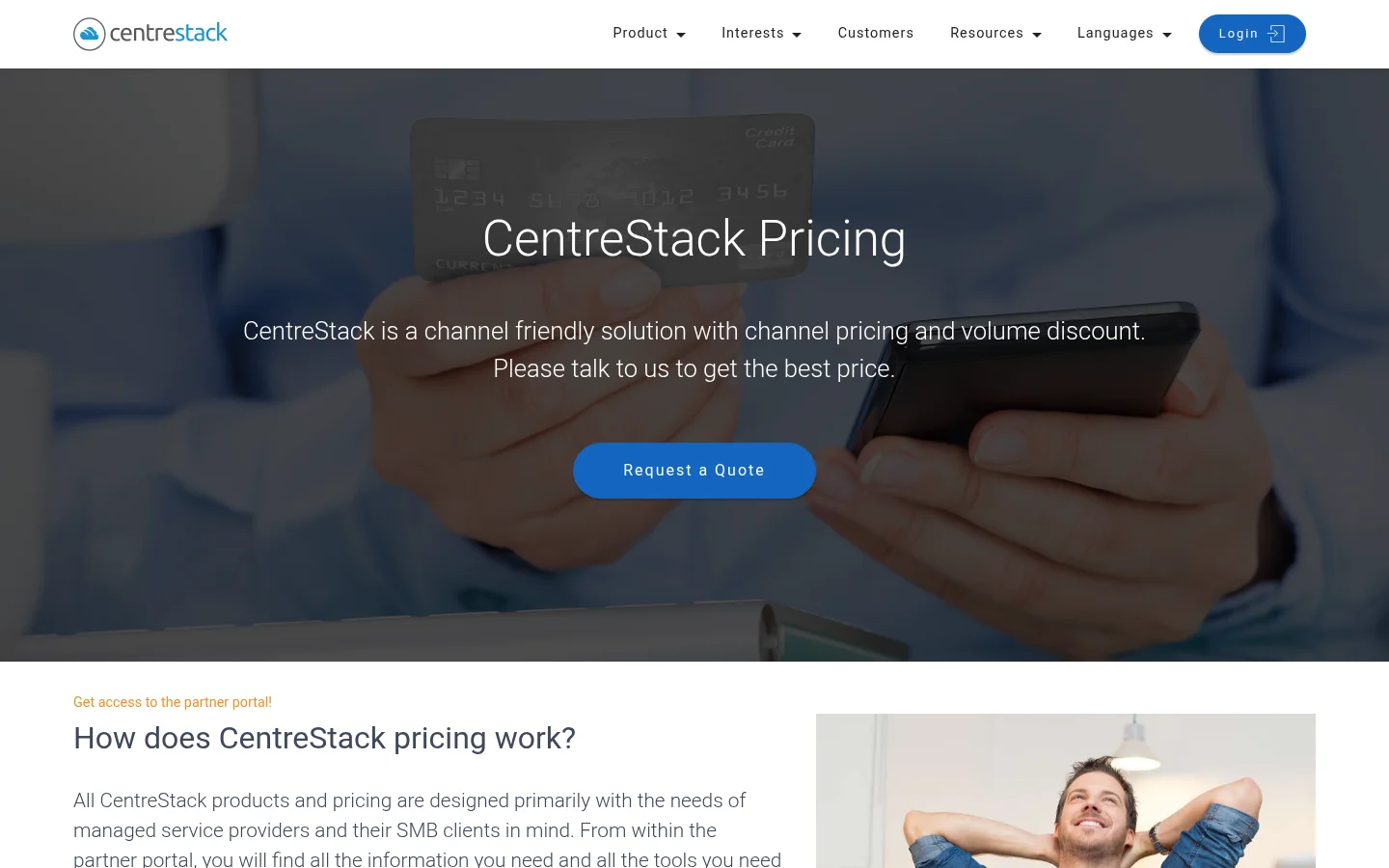
Its pricing page describes channel pricing and volume discounts, then asks prospective customers to contact CentreStack for a quote.
What Tarkle does
Tarkle focuses on branded file sharing and file requests for client work. With file sharing, you share a transfer link. The available controls include a password and an expiry date, and transfer status shows whether a transfer was delivered, viewed or downloaded. Public links can be opened without signing in, and valid token links also allow access without sign-in. A transfer restricted to a client organization needs a signed-in client whose organization matches the transfer; password or email gates can add an access step.
A File request gives a client a link to send files into a folder you choose. The public request form presents a Name field and an Email field after files have been selected.
Free includes a custom domain. Pro includes custom branding. Pro and Agency include a client portal. Pro lets you remove the Powered by Tarkle attribution on your own domain. Agency includes a white-label platform and 10 workspaces for clients. The agency brand replaces Tarkle when the organization is active, White label is enabled, and the Agency plan is in force. See custom branding and Agency white label for the distinction between workspace branding and the Agency platform.
CentreStack vs Tarkle
Area | Tarkle | CentreStack |
|---|---|---|
Core workflow | Branded transfers and file requests for client work | Multi-tenant file-server access for MSP clients |
Access and sharing | Public or token links; client-organization restrictions are available | Mapped drives, file locking and web links for sharing or receiving files |
Branding | Pro custom branding; Agency white-label platform when its organization is active, White label is enabled and Agency is in force | White-label branding from web interface to mobile apps |
Client uploads | File requests collect uploads into a folder you choose | Web links let people upload files from a browser |
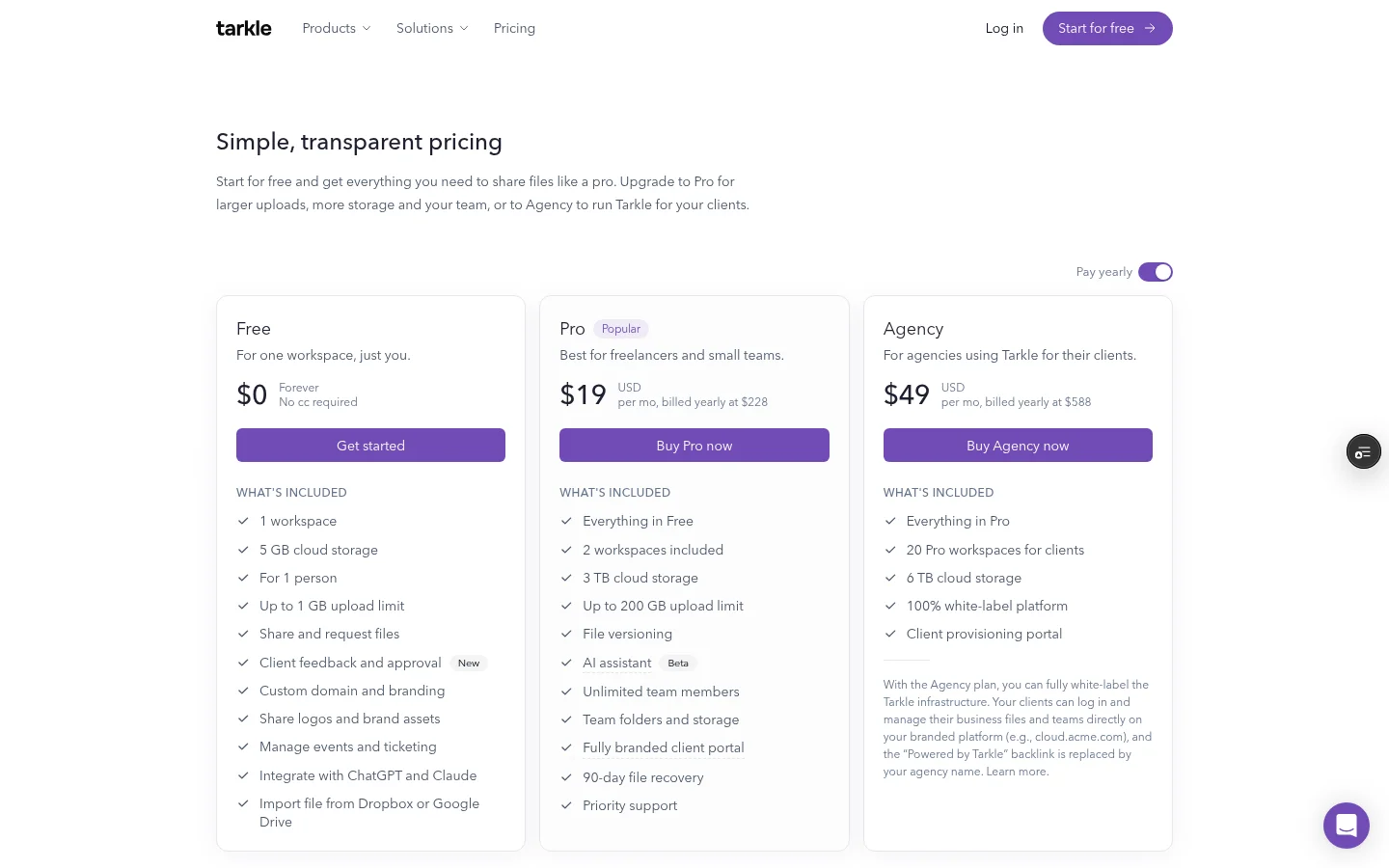
Published pricing | Free $0; Pro $20 per month or $200 yearly; Agency $50 per month or $500 yearly | Channel pricing and volume discounts; contact CentreStack for a quote |
The plans and pricing list Free, Pro and Agency prices. CentreStack’s public pricing page instead directs buyers to discuss channel pricing and a quote. Compare the workflow and the terms offered for your own setup.
Why teams use Tarkle for client file sharing
Transfers cover the outgoing side of client file sharing; file requests cover incoming files. Organizations on Pro and Agency also have a client portal. Agency adds the white-label platform and client workspaces.
The Free plan costs $0. Free supports files up to 1 GB. Pro costs $20 per month or $200 billed yearly; Agency costs $50 per month or $500 billed yearly. The pricing page shows what each organization plan includes, so you can compare the paid features before choosing a plan.
A practical way to compare the workflows
Start with one representative client file. Send it with a transfer link, then use a File request to collect a reply. If client sign-in and agency branding matter, compare Pro custom branding with Agency’s white-label platform and client workspaces.
Test with a representative file and recipient. Check the sharing link and the collection form separately, since they answer different parts of the client file exchange.
CentreStack and Tarkle FAQ
Can CentreStack be self-hosted? Its home page describes installation in an MSP’s data center and a cloud-hosted service.
Can CentreStack connect to client file servers? CentreStack says clients’ file servers or cloud storage can be connected to its platform.
Does CentreStack publish a standard price? Its pricing page describes channel pricing and volume discounts, then invites prospective customers to request a quote.
Do recipients need an account? A public transfer link can be opened without signing in. A valid token link can also grant access without sign-in; a client-organization restriction needs the signed-in client’s organization to match.
Does a password-protected transfer ask every visitor for a password? Workspace members are allowed before the password gate is checked. Other authorized visitors must pass the password gate to continue.
Can Pro remove the Powered by Tarkle attribution? Yes, on the customer’s own domain. Agency white-label branding applies when the organization is active, White label is enabled, and the Agency plan is in force.
Try Tarkle for sending and collecting client files
Compare plans, then start for free with a real file exchange.