Tarkle vs OneDrive: client portals and your own domain
Tarkle vs OneDrive compares client file sharing with cloud sync. Tarkle brings branded transfers, file requests and a client portal together; Microsoft's OneDrive documentation describes file storage, sharing and sync.
What OneDrive is
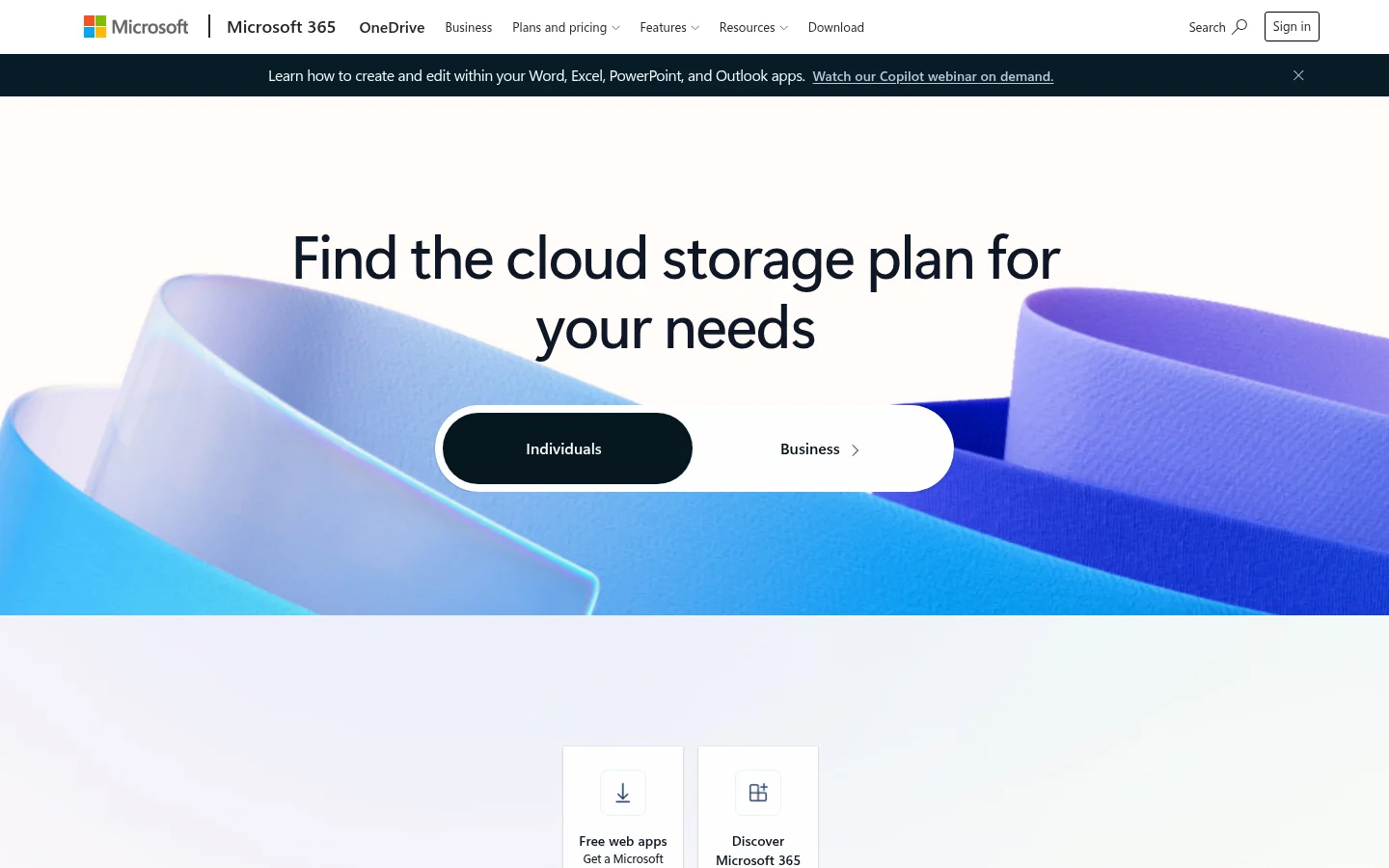
OneDrive is Microsoft's cloud service that connects you to your files. It lets you store and protect files, share them with others, and access them from your devices (Microsoft's overview). Microsoft's support pages cover OneDrive for home, OneDrive for work or school, and SharePoint in Microsoft 365 (restrictions and limitations). With OneDrive you can sync files between your computer and the cloud, so you can get to them from anywhere (sync guide).
What OneDrive offers
OneDrive for work or school supports file and folder sharing with colleagues or external partners. Microsoft's overview describes sharing files with others, and its sync guide explains syncing files between a computer and the cloud (checked November 2026).
File requests let someone choose a folder and send an upload link. Anyone with the link can upload without a OneDrive account. People who respond can only upload files. They can't view or edit the contents of your OneDrive. Microsoft says an administrator must enable file requests, and the feature is not available for OneDrive for home (file request guide, checked November 2026).
For plan details, Microsoft's OneDrive plans page links to separate individual and business plan information.
What Tarkle does
A file transfer gives you a link to share selected files, while file requests collect files into a folder you choose. The client portal is available on Pro and Agency, with custom branding on those plans.
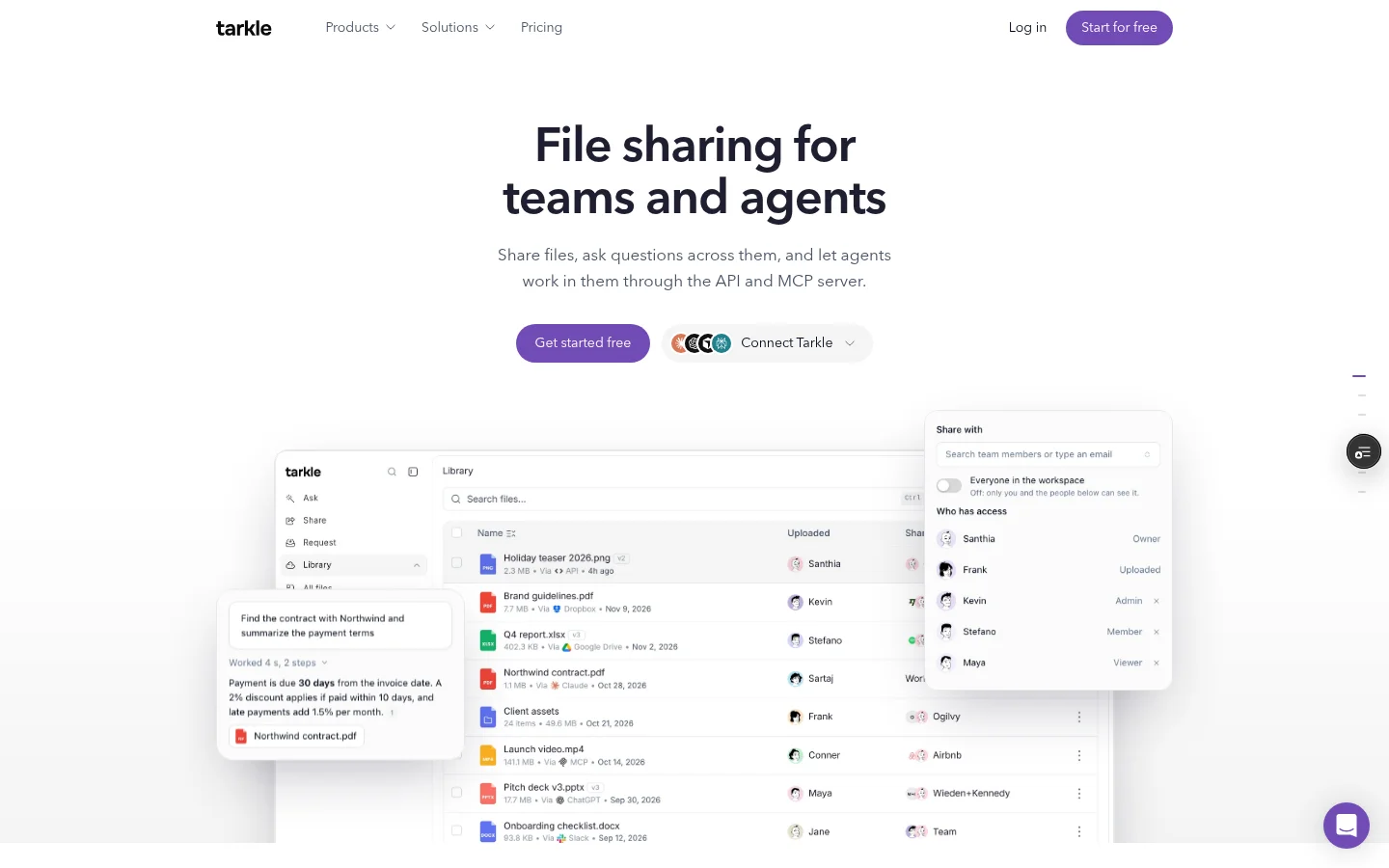
The portal Files view brings together files shared with the contact and files or folders in that contact's upload folder. See the client portal feature.
Agency adds a white-label client platform. Clients sign in on your own domain and see your agency name. Read about custom domains and Agency white label for those distinctions.
Powered by Tarkle attribution follows the domain and branding settings. Pro can turn the line off from the Backlink card in Settings on eligible custom domains and pages; Tarkle-owned domains continue to show it. On eligible client-facing pages on the agency's own domain, the agency name can replace the attribution when the organization is active, Agency is in force and White label is enabled.
Transfer activity records when a transfer is viewed or its files are downloaded. In a workspace, open Transfers to manage shared files, or Requests to manage incoming file requests.
OneDrive vs Tarkle
Work to do | Tarkle | OneDrive for work or school |
|---|---|---|
Share files with clients | Branded file transfer links, with a client portal on Pro and Agency | Share files and folders with others |
Collect files | File requests collect files into a folder you choose | File requests let link holders upload into a selected folder |
Give clients a branded space | Pro and Agency include the client portal and custom branding; Agency clients sign in on the agency's domain and see its name | OneDrive supports file and folder sharing |
Sync files | Transfer activity records when a transfer is viewed or its files are downloaded | OneDrive syncs files between a computer and the cloud |
Why teams choose Tarkle for client files
When clients need to send materials back as well as receive files, separate transfer and request links keep the two directions clear. The portal Files view brings shared material and client uploads together, and Agency adds a branded sign-in on your own domain.
Moving a client project to Tarkle
Begin with one client project. Create a transfer for files you are sending, then use a file request for items you need back. The workspace's Transfers and Requests areas keep those tasks easy to find. If you use the portal, invite the client through the portal flow.
Try the two directions with a single project first: share one set of files, then send a request link for the client's return materials.
FAQ
Can a OneDrive link open without sign-in? Microsoft's overview says OneDrive lets you share files with others; available link settings depend on the account and organization.
Can clients upload files through OneDrive? Anyone with a file request link can send a file without OneDrive. People who respond can only upload files and can't view or edit the contents of your OneDrive.
Which Tarkle plans include the client portal? Pro and Agency include the client portal and custom branding. Agency adds white-label client sign-in on your own domain; see Tarkle's plans and pricing.
What can a client see in the portal Files view? It includes files shared with that contact and items in that contact's upload folder.
What does Agency domain sign-in show? Clients sign in on your own domain and see your agency name. The white-label condition applies when the organization is active, Agency is in force and White label is enabled.
Where do I manage client file sharing? In a workspace, Transfers manage shared files and Requests manage incoming file requests.
What to remember about Tarkle
Tarkle pairs branded file transfers and file requests with a client portal; Agency adds client sign-in on your own domain with your agency name. Start for free with a client file exchange.