Tarkle vs Shade: branded client file sharing
Shade Inc describes media search and review. Tarkle's file sharing sends files and folders with one branded link. File requests collect files into the folder you choose.
What Shade is
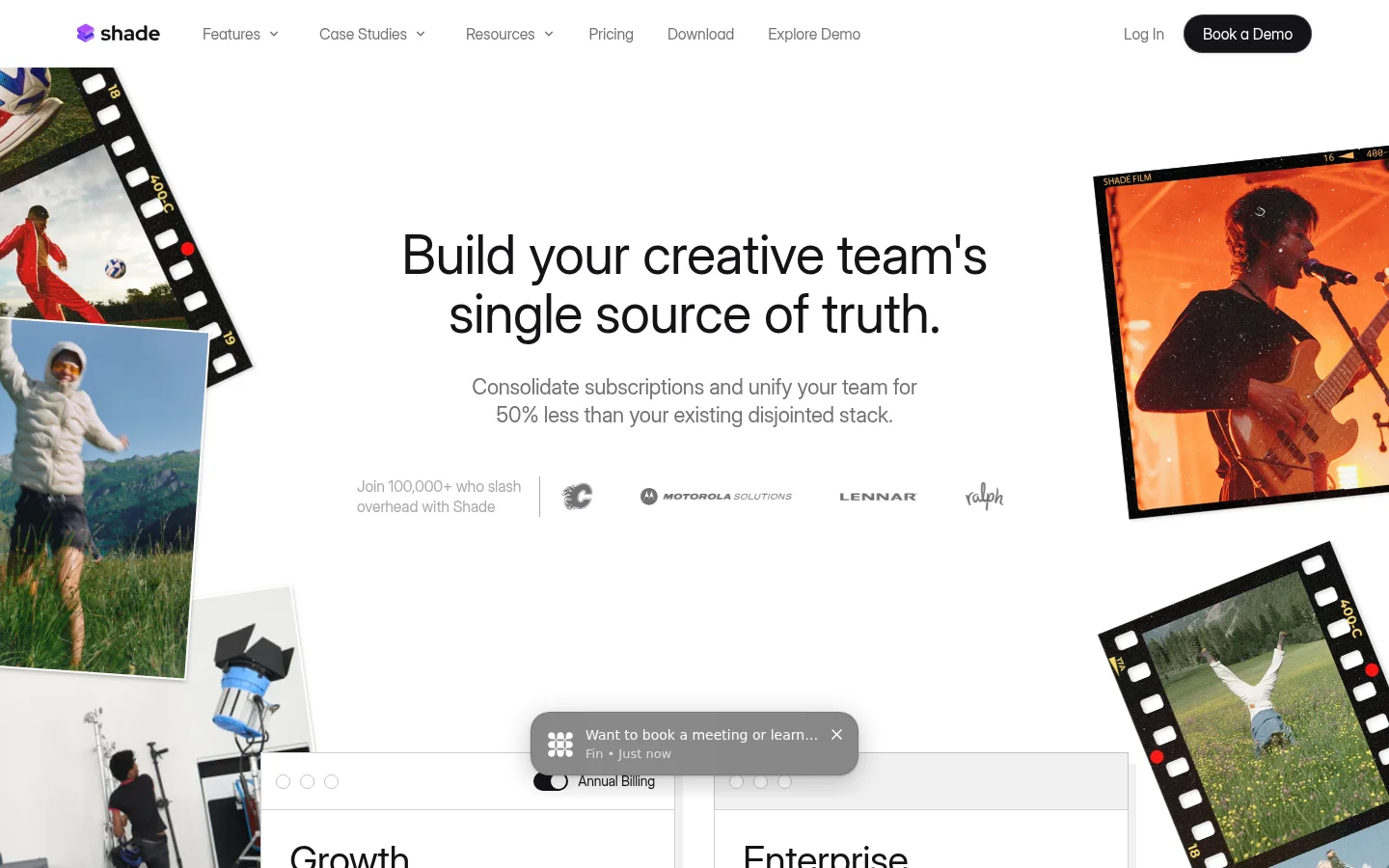
Shade's access page says shared files work like a local drive. It also describes streaming the requested bytes before media has fully downloaded, so teams can access media as they work.
What Shade offers
Shade's AI search page says users can search scenes, transcripts and faces. It also describes turning audio and video into searchable text with timecodes. Shade's review page describes timestamped and range-based comments.
Shade's pricing page lists Growth and Enterprise. Growth lists up to 15 seats, up to 150 guests and 500 GB active storage per seat. Enterprise lists custom per-seat monthly pricing, up to 250 guests, 1 TB active storage per seat, SSO/SAML, SCIM and audit logging. These product details were checked on Shade's official pages in November 2026.
What Tarkle does
For an image or PDF that needs a decision, client feedback gives reviewers a board to comment and approve from one link.
The client portal gives signed-in client contacts a place to access files. Its Files view includes files shared with the contact and files in that contact's upload folder; the upload folder itself is not listed. Portal access depends on the workspace's portal availability and access being enabled for the individual contact.
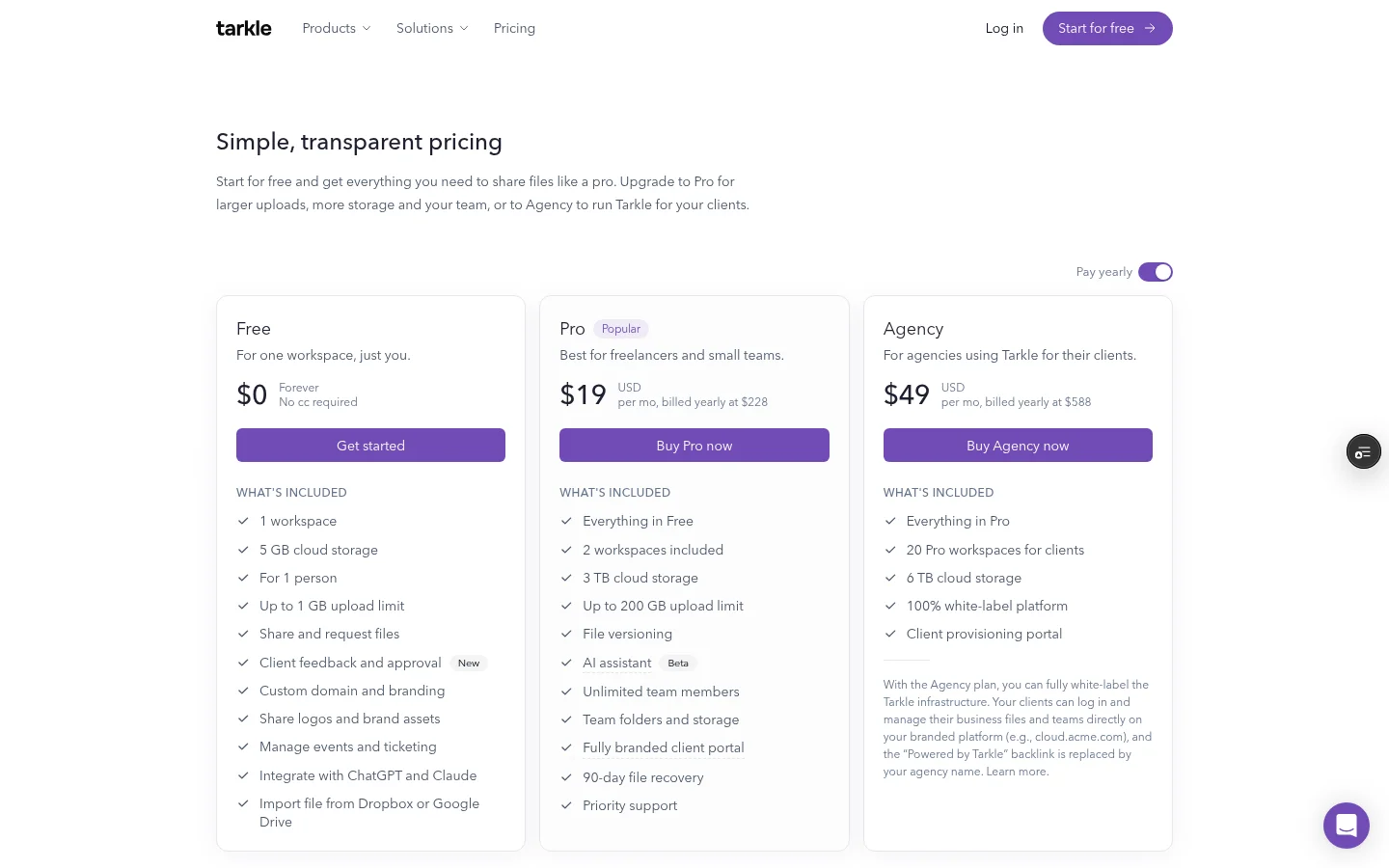
The Tarkle plans and prices list Pro at $20 monthly or $200 billed yearly. Pro includes 3 TB of business storage, two workspaces, custom branding and a client portal. Agency costs $50 monthly or $500 billed yearly. Agency includes 6 TB of pooled storage. Agency includes 10 workspaces for clients. Agency adds a white-label platform: clients sign in on the agency's own domain and see the agency name. This applies when the organization is active, White label is enabled and Agency is in force. Pro custom branding and Agency white label are distinct: Pro can remove “Powered by Tarkle” on its own domain, while Agency replaces it with the agency name.
Shade and Tarkle side by side
What matters | Tarkle | Shade |
|---|---|---|
Sending files | One branded link for files and folders | Branded client collections and asset links |
Collecting files | File requests collect files into a chosen folder | Guests can be invited to drives, folders or files |
Review | Comments and approval on images and PDFs | Timestamped and range-based comments |
Client access | Portal Files view includes shared files and client uploads; workspace and contact access settings apply | Guest access to drives, folders or files |
Branding | Pro custom branding; Agency white-label platform and agency-domain sign-in | Branded collections |
Pricing | Pro and Agency plans billed monthly or yearly | Growth and Enterprise plans; Enterprise custom per seat |
Shade describes media search, review and client collections. The comparison comes down to the work you need to do: sending files and collecting them, working through creative media review, or both.
Why teams use Tarkle for client files
When you send finished work, a branded link gives the client one place to open files. When you need source files, a file request directs uploads into the folder you choose. For image and PDF approval, a feedback board brings comments and the review decision together.
Pro adds custom branding and a client portal. For an agency that wants its own name on the client sign-in and public pages, Agency adds the white-label platform, agency-domain sign-in and pooled storage across the organization. Pro branding removes the Powered by Tarkle line on the organization's own domain; Agency replaces it with the agency name.
A password adds an access step for visitors opening a transfer link. Workspace members pass through before the password check. This differs from a media review workflow and describes a separate type of link access.
Switching from Shade to Tarkle
Move one set of client files first. Upload or import the files you need, then create a branded transfer from the workspace's Transfers page. When the client needs to send material back, create a request from Requests. To put public pages on a domain you own, use the custom domain feature and follow the custom-domain setup guide.
If clients should sign in to the portal, enable portal availability for the workspace and portal access for each contact. For an agency setup, client workspaces give each client a separate workspace.
Send a test transfer to yourself first. Open it as a recipient and check the branded page on your domain before replacing a link you already sent.
FAQ
Does Tarkle use my own domain? The pricing page lists a custom domain for every plan. Agency also includes a domain for the agency and its white-label platform.
Can clients upload files to Tarkle? Yes. A file request collects files into the folder you choose. Clients with portal access can also see files in their own upload folder in the portal's Files view.
What can clients see in the portal? The Files view combines files shared with the contact and files in the contact's upload folder. The upload folder itself is not listed, and access depends on the workspace and contact settings.
Does Tarkle support review boards? The client feedback board supports comments and approval on images and PDFs.
What does Tarkle cost? Pro and Agency are monthly or yearly plans. The plans page lists their prices and included features.
What to remember about Tarkle
Tarkle sends files and folders with one branded link. Pro and Agency include a client portal. Agency adds a white-label platform and sign-in on the agency's own domain. Start for free.