Frame.io alternative: client feedback tools (2026)

A Frame.io alternative depends on what clients need to review. Tarkle gives clients pinned comments and an approval or request-changes response on images and PDFs; Frame.io’s client guide describes timestamped and range-based video comments. This comparison also covers Wipster, Ziflow and Filestage, so you can match the review format to the work you send.
Last checked: November 2026.
Choose by the file clients review
A useful review starts with the file, not a feature checklist. For a video cut, time-based comments keep feedback tied to a moment. For a layout, image or PDF, a pinned note keeps the comment near the part that needs attention. Then decide whether your next step is an approval, a revision, file delivery or collecting source files.
Tarkle is built for visual feedback on images and PDFs: reviewers can pin notes to the work and submit an approval or request changes. It also brings file requests and finished video delivery into the same set of tools. If your review is based on video timecodes, compare the video-specific workflows below with Tarkle’s image and PDF boards.

Before sharing a review, name the file and the response you need: for example, “Please mark this proof approved or request changes on the board.”
Tarkle: pinned feedback on images and PDFs
Tarkle’s client feedback boards let clients comment on images or PDFs through a review link. They can pin a note to a location, reply to a comment, then approve the work or request changes. Reviewers do not need a Tarkle account, and client feedback and approval are included on the Free plan.
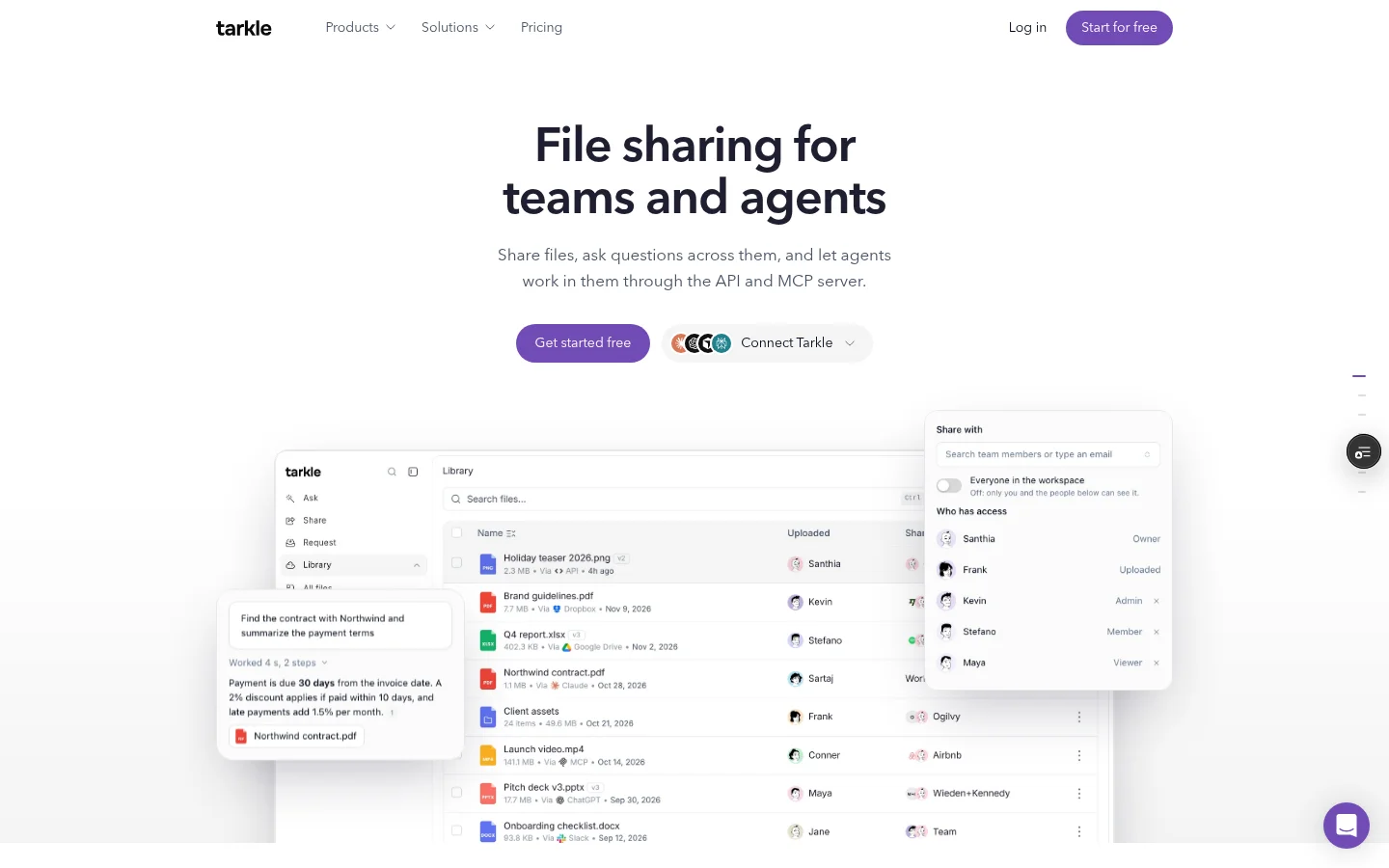
A board accepts PDFs or images, not both together. You can protect a board with a password; an unlock lasts 12 hours. Free includes five active boards, and archived boards do not count toward that limit. For the detailed plan breakdown, see Tarkle’s plans and pricing.
Comment notifications are grouped: each participant receives at most one comment notification per board in a five-minute window. A digest is sent when the board has been quiet for five minutes, or when the oldest queued comment reaches a 30-minute maximum wait.
Feedback is one part of sending work to clients. File requests give clients a way to send files into a folder you choose, while the client portal is available on Pro. For approved final cuts, Tarkle’s video and audio sharing pages include a built-in player. Free supports uploads and transfers up to 1 GB each.
Frame.io: timestamped video review
Frame.io’s client guide describes timestamped comments, selecting a range on the video timeline, and drawing directly on the video. It says the video pauses while a reviewer writes a timestamped comment, and that an unsigned reviewer is prompted for a name and email on their first comment. Frame.io’s review and approval page describes anchored comments. (Frame.io pages checked November 2026.)
Wipster: feedback across media types
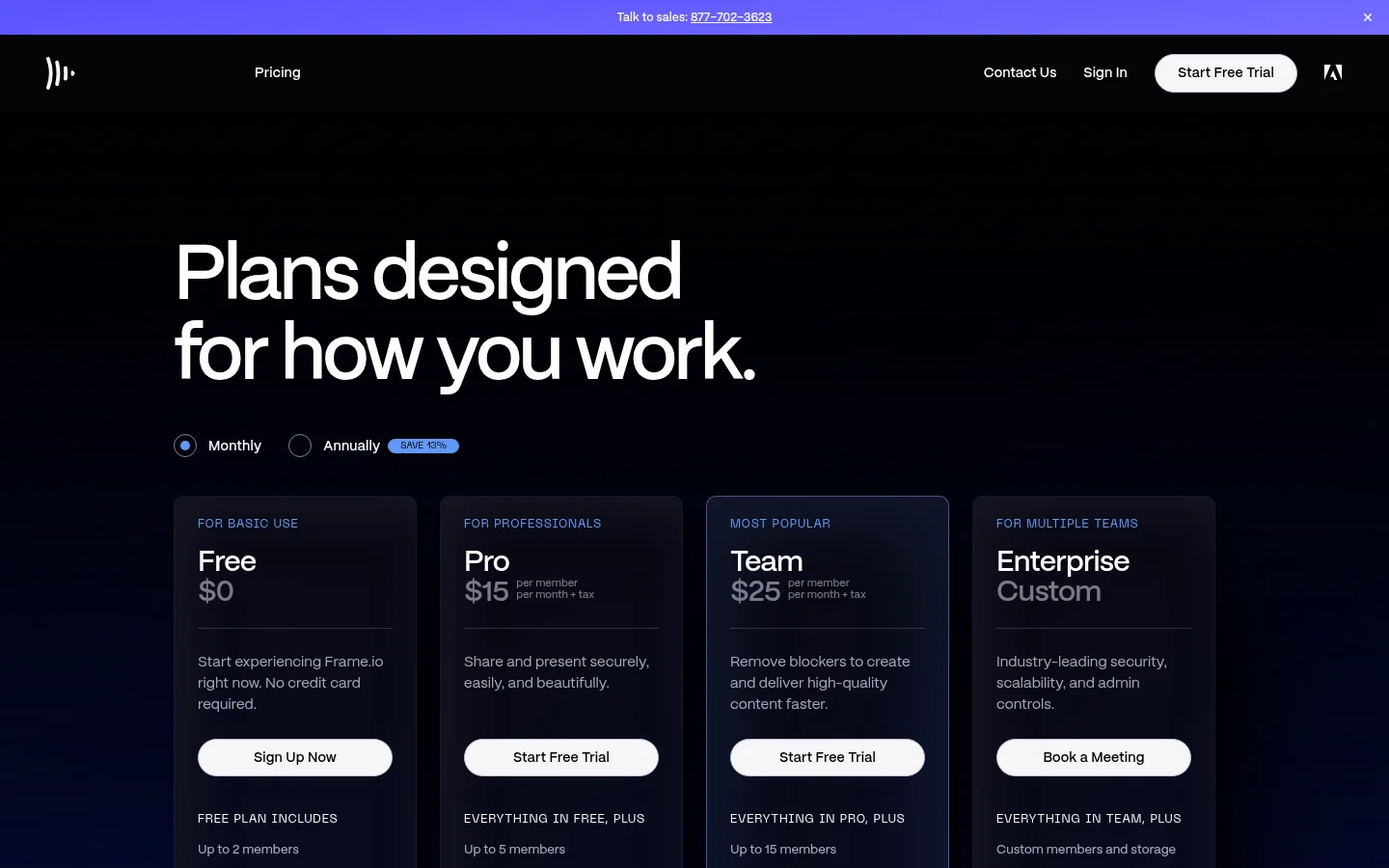
Wipster’s product page describes review for video, image, PDF and audio files. It offers sharing with collaborators by private email or public URL, pinpoint annotations and frame-accurate conversations, and comparing versions and feedback side by side. (Wipster’s product page checked November 2026.)
Ziflow: frame comments and version comparisons
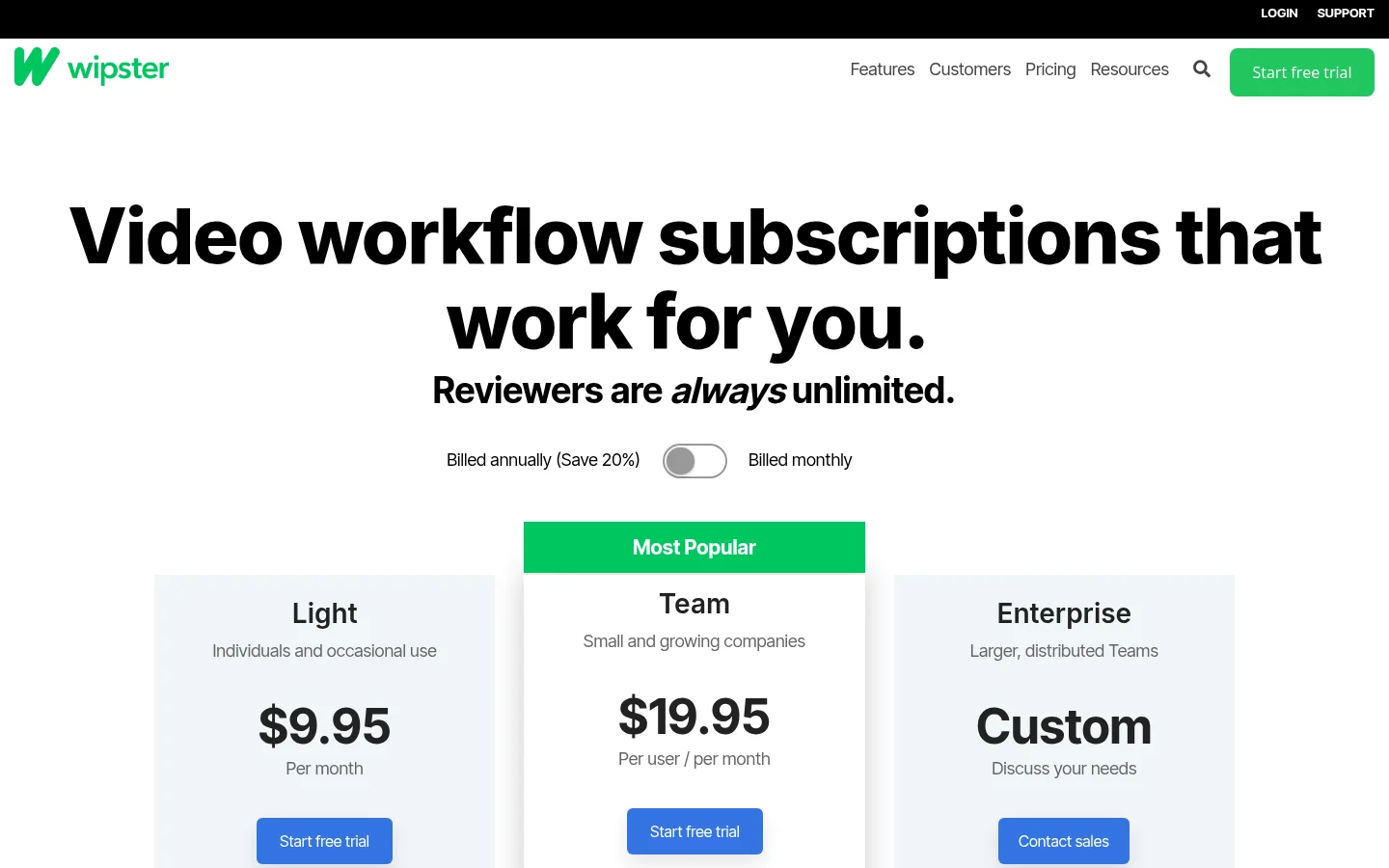
Ziflow’s video production page describes comments on specific video frames and viewing different versions together to track changes. (Ziflow’s page checked November 2026.)

Filestage: video notes and review links
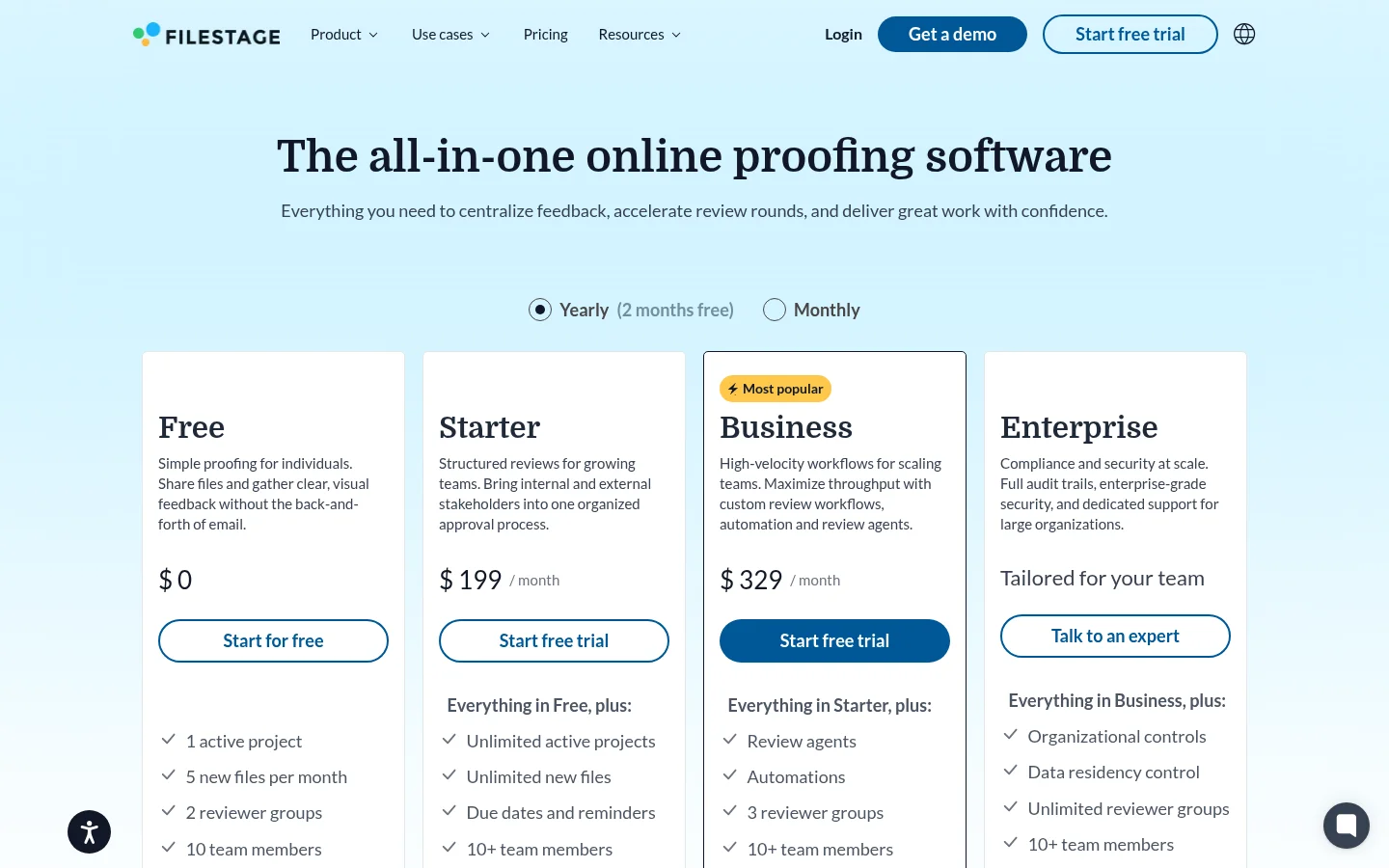
Filestage’s video review page describes timestamped comments, annotations and stacking video versions in one place. Its pricing page says reviewers can comment through a link without making an account. (Filestage pages checked November 2026.)
Frame.io alternative: compare review formats
Tool | Review format described by the provider |
|---|---|
Tarkle | Pinned comments and approval on images and PDFs |
Frame.io | Timestamped and range-based video comments |
Wipster | Review for video, images, PDFs and audio |
Ziflow | Comments on specific video frames; version comparisons |
Filestage | Timestamped video comments and annotations; stacked versions |
The formats point to different kinds of work. Video review pages describe feedback tied to frames, timestamps or versions. Tarkle’s feedback board page is where you create boards for image and PDF feedback; its file requests and video pages cover adjacent steps in sending work to clients. Reviewers can approve a proof or request changes, while the client portal is a Pro feature.
A video file’s duration is different from its file size; compare the file size with the limit listed for your plan.
Match the test file to the real job: use a PDF proof when checking layout feedback, and a video cut when checking time-based comments.
A practical way to compare alternatives
Start with one real client deliverable and ask what the reviewer must do. If the work is a PDF or still image, test whether a pinned note and a clear approval answer keep the feedback with the file. If it is a video edit, check whether comments can be attached to a timestamp or selected range, and whether reviewers can compare versions.
Next, check how clients reach the review and what you do after feedback arrives. In Tarkle, the board can capture comments and an approval decision; file requests collect incoming material, and video sharing presents finished video with a built-in player. The client portal adds a portal for organizations on Pro. These are connected parts of sending files to clients, not substitutes for every kind of time-based video review.
For a working review, send one link and tell the client exactly what answer you need. That makes the task clear whether the review is a proof approval or a video note.
What to remember about Tarkle
Tarkle gives clients pinned comments and approval or request-changes responses on images and PDFs, with feedback and approval included on Free. Frame.io’s client guide describes video comments tied to timestamps or ranges. Tarkle’s video pages share finished video with a built-in player, and its client portal is available on Pro. Start for free.