Free file sharing for video editors: what Free covers

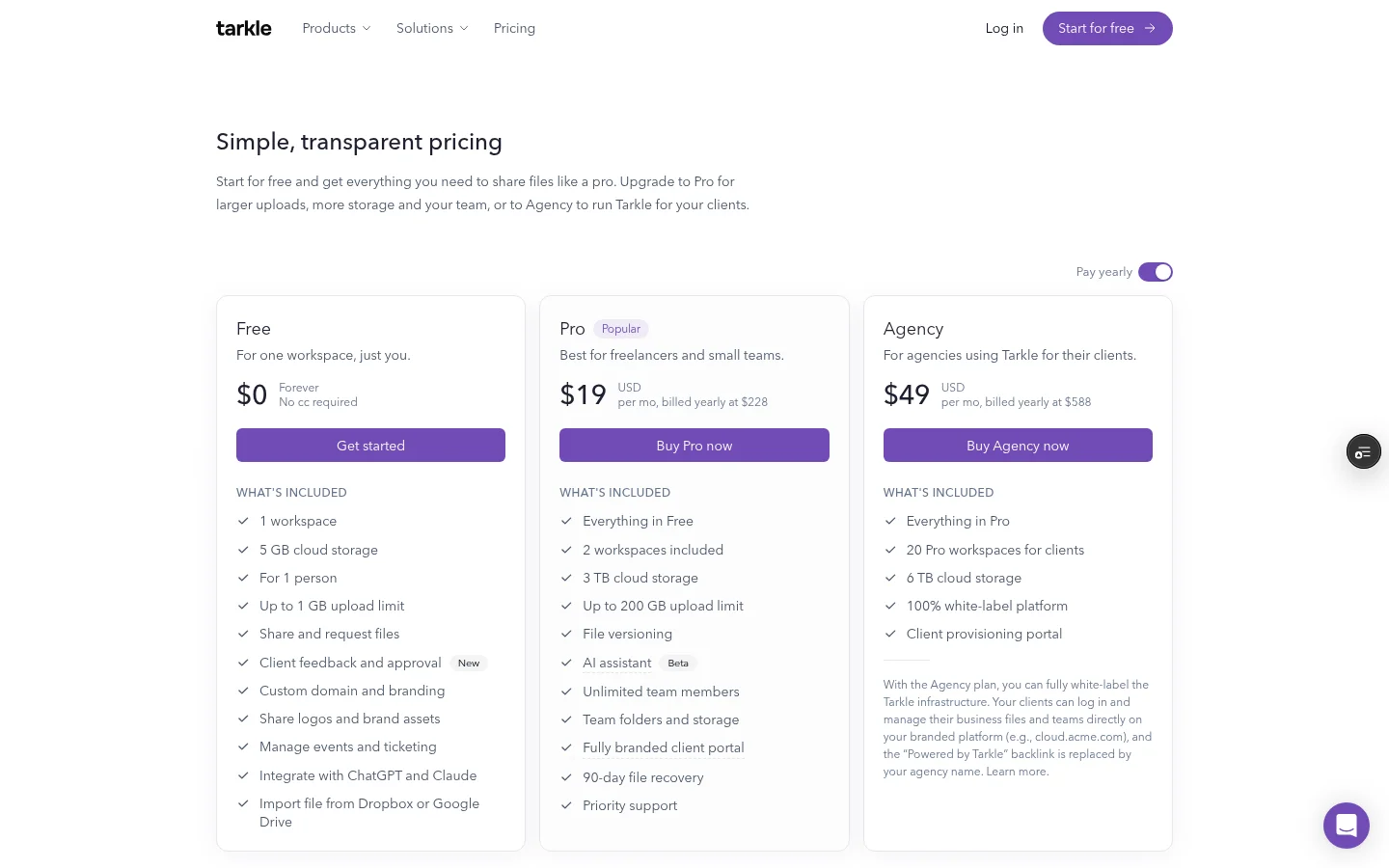
Free file sharing for video editors can cover a review cut, a browser video page and feedback on stills or PDFs. Tarkle Free includes file sharing and video pages. Its largest file or transfer is 1 GB, storage is 5 GB. If a video needs a link expiry, create a file transfer; video and audio pages do not show that setting.
What free file sharing for video editors needs
Start with the export you actually plan to send. Check its file size against the plan's largest-file limit, then decide whether the client needs a viewing page, a download link, or a place to review stills and PDFs.
Keep a review export separate from the final master, and name each version so you and the client can tell them apart.

What Tarkle Free covers for a video editor
Tarkle Free includes file sharing, file requests, client feedback and approval, a custom domain and password protection. It also includes video and audio pages. Its Free allowance is 5 GB of storage and files up to 1 GB. See plans and prices for how Free compares with Pro and Agency.
A video page plays an uploaded video in the browser. You can protect a video page with a password. Expiry dates are available on file transfers rather than video or audio pages. For the transfer itself, use password protection and link expiration where those controls suit the delivery.
Before sending a link, open it in a private browser window and check the recipient-facing page and access settings.
A simple review workflow for cuts and stills
Check the review export's file size against Free's 1 GB largest-file limit.
Create a video page when you want the client to watch the cut in a browser. Set a password when the material needs one.
Ask for timecoded notes in the same message as the video link, so each note points to a moment in the cut.
Use a feedback board for a storyboard, thumbnail, treatment PDF or other still-image proof. Tarkle boards accept PDFs or images, support pinned comments and let reviewers approve the work or request changes.
Create and manage file transfers from Transfers. For PDFs and images, create and track review boards from Feedback. Free includes 5 active boards in each workspace; the feedback plans and limits guide explains the plan allowance.
Free file sharing limits compared
The vendor details below were checked against official pages in November 2026. Compare the size or project allowance and the link's availability period with the job in front of you.
Tool | Free allowance | Link or review detail |
|---|---|---|
Tarkle Free | 1 GB per file or transfer; 5 GB storage | Video pages; expiry dates on file transfers |
Up to 10 transfers and 3 GB total usage per rolling 30 days | Links expire after a maximum of 3 days | |
2 GB per transfer | Transfers expire after 7 days | |
Up to 5 GB per transfer; up to 2 transfers in 24 hours | Files are stored for up to 7 days | |
Up to 2 members, 2 GB storage and 2 projects | Member and project counts |
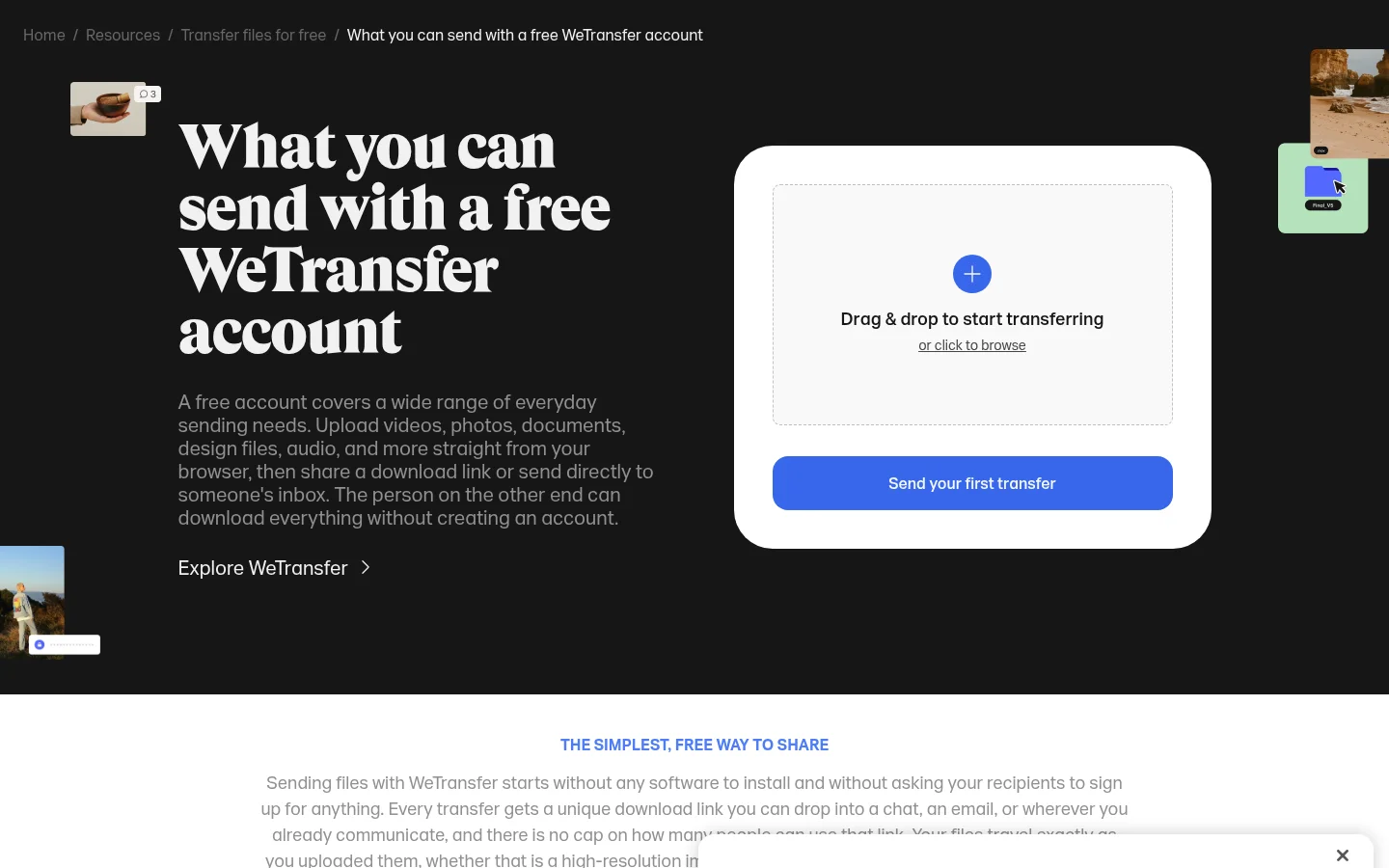
WeTransfer
WeTransfer's free plan lists up to 10 transfers and 3 GB of total usage per rolling 30-day window, with links expiring after a maximum of 3 days. The same page describes password and named-email restrictions as free controls, so those details are there to compare alongside the transfer allowance.
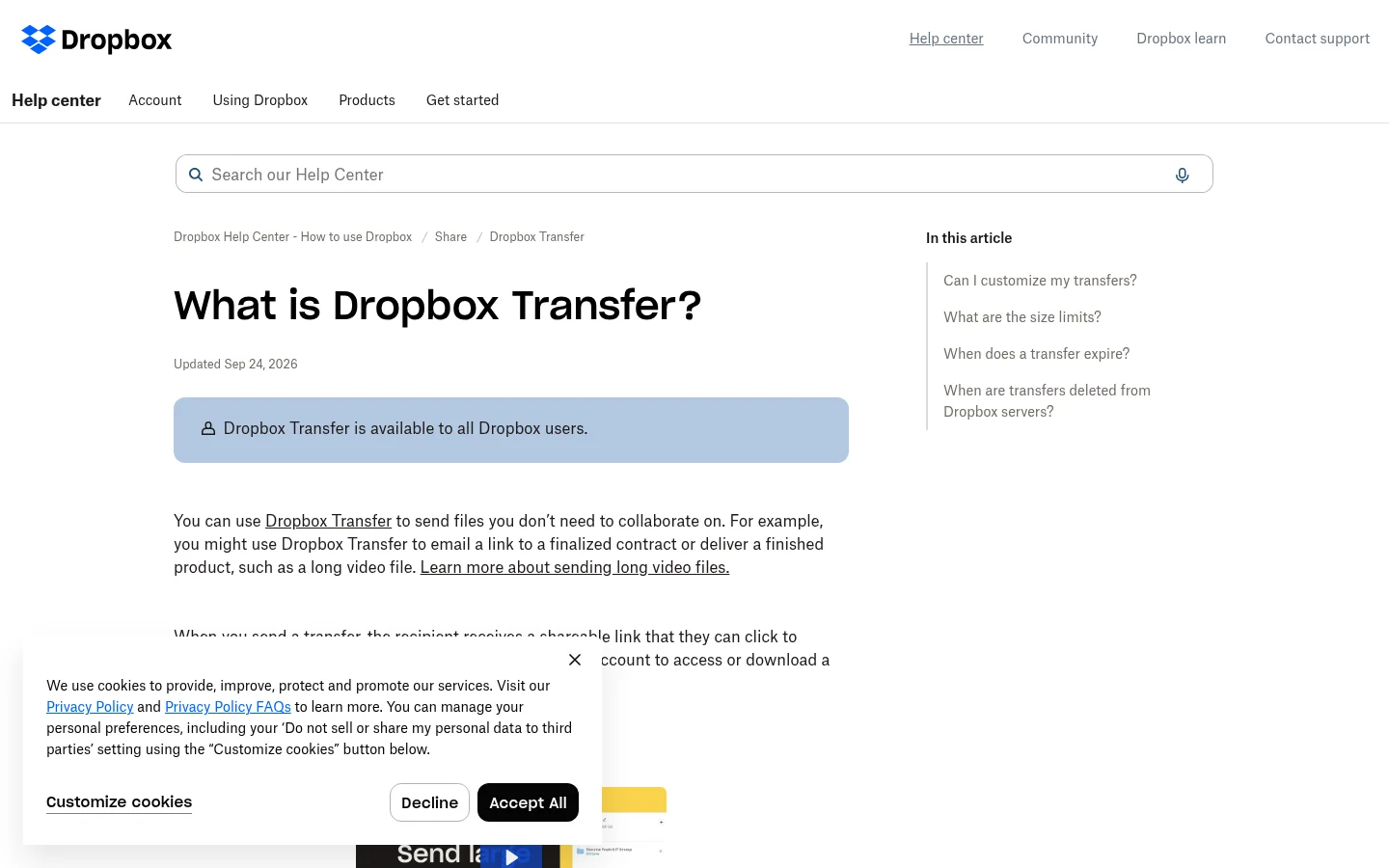
Dropbox
Dropbox Basic lists transfers up to 2 GB and a 7-day expiration. Its transfer page also describes larger plan-specific limits and controls, so read the plan details when a client needs more than the Basic allowance.
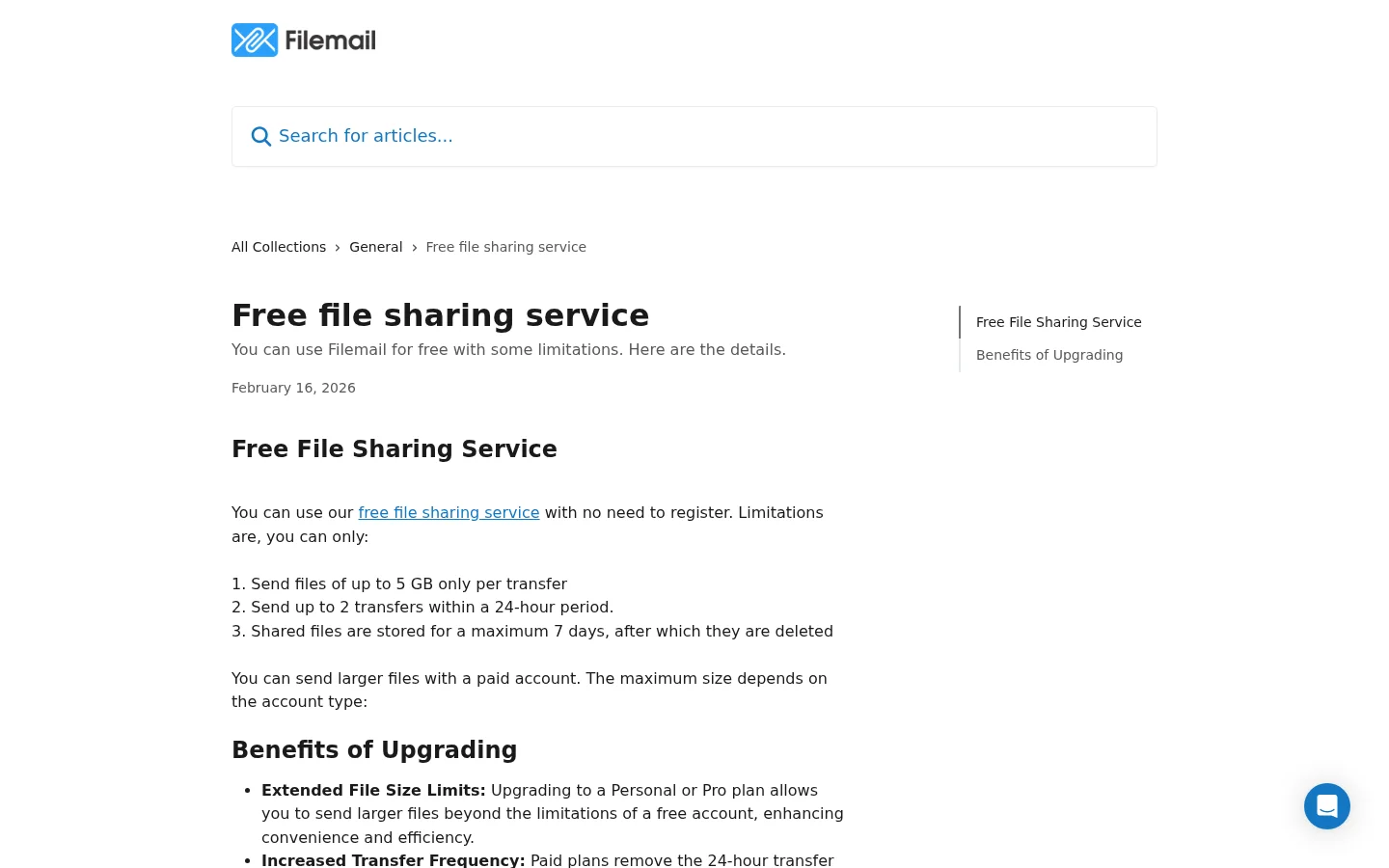
Filemail
Filemail's free service allows up to 5 GB per transfer, up to 2 transfers in a 24-hour period, and stores shared files for a maximum of 7 days. Its official service page says registration is not required.
Frame.io
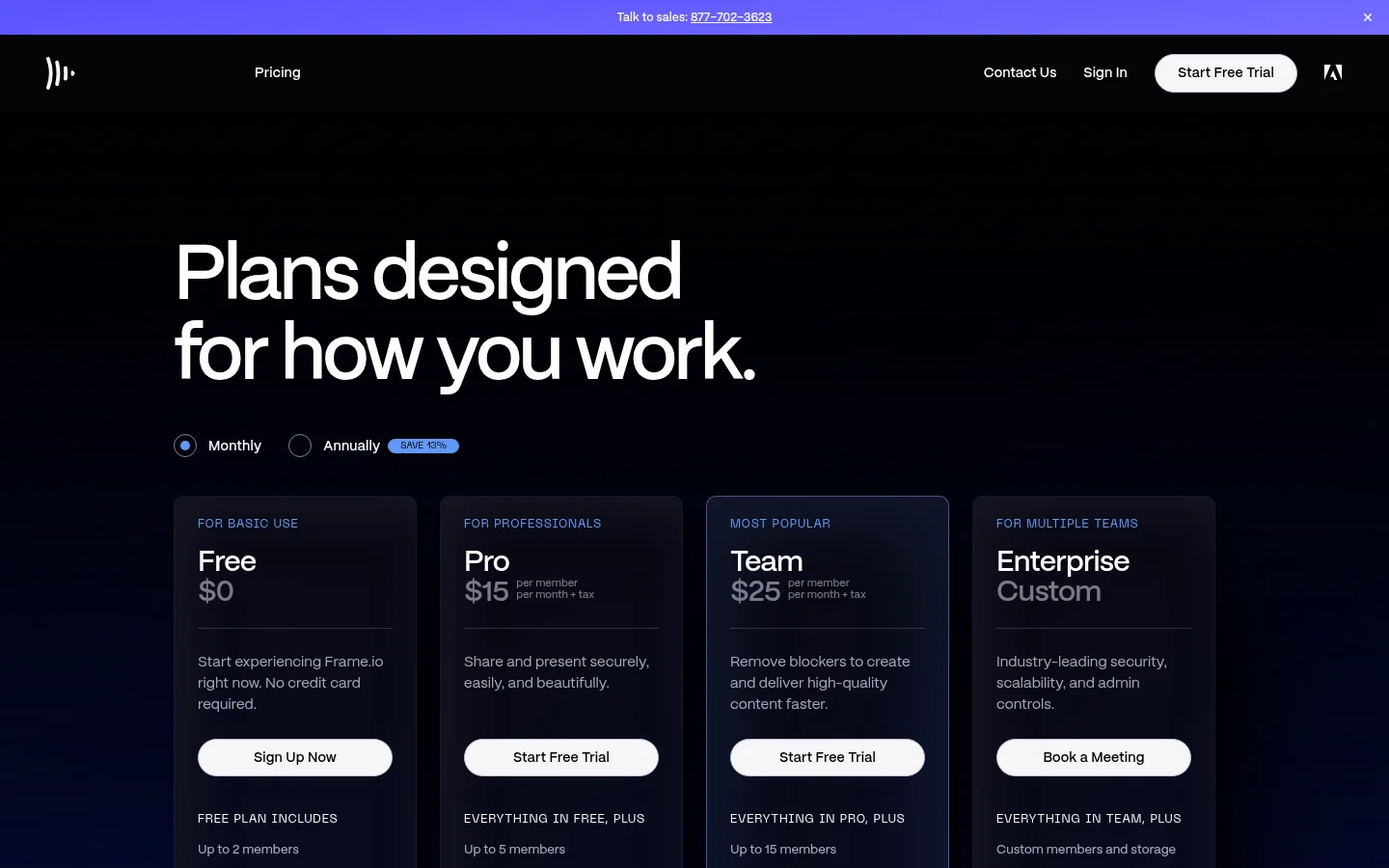
Frame.io Free lists up to 2 members, 2 GB of storage and up to 2 projects. Compare those figures with the number of reviewers and projects you need to manage.
When Pro or Agency adds room
When your organization needs to send a file or transfer above Free's 1 GB limit, Pro raises the largest file or transfer to 200 GB. Pro includes 3 TB of business storage. Pro costs $20 per month or $200 billed yearly. It includes custom branding and the client portal.
Free keeps the Powered by Tarkle line. Pro plans include turning the line off, and pages on your own custom domain follow the switch. Turning off Branding removes the line on your own domain; it remains on Tarkle public pages and Tarkle page requests.
Pro and Agency include the client portal. Access is enabled for each client contact. In the portal's Files view, a client sees files shared with them and files they upload. Read how the client portal works for more about client access.
Agency adds 10 client workspaces with Pro features and 6 TB of pooled storage, along with its white-label platform. Agency costs $50 per month or $500 billed yearly. Its white-label platform lets clients sign in on your own domain and see your agency name; see white label for agencies.
What to remember about Tarkle
Tarkle Free includes file sharing and video pages. Its largest file or transfer is 1 GB, and storage is 5 GB. Pro raises the largest file or transfer limit to 200 GB; Agency includes 10 client workspaces and 6 TB of pooled storage. Start for free with a review cut.