Why people leave Dropbox: what public reviews report

To explore why people leave Dropbox, use public review themes as a checklist, then test them with a sample folder before you move. TrustRadius's Dropbox review insights were last published on June 26, 2026. Treat the themes as questions to test in your own workflow, not a prediction of what every team will experience. Read the Dropbox review insights on TrustRadius.
What Dropbox reviewers value
TrustRadius's summary highlights efficient sharing of large files, an intuitive interface, reliable file storage and cross-device syncing as positive themes. Those are useful qualities to weigh if your work depends on finding files and sharing them with colleagues or clients.
Why people leave Dropbox: what reviewers report
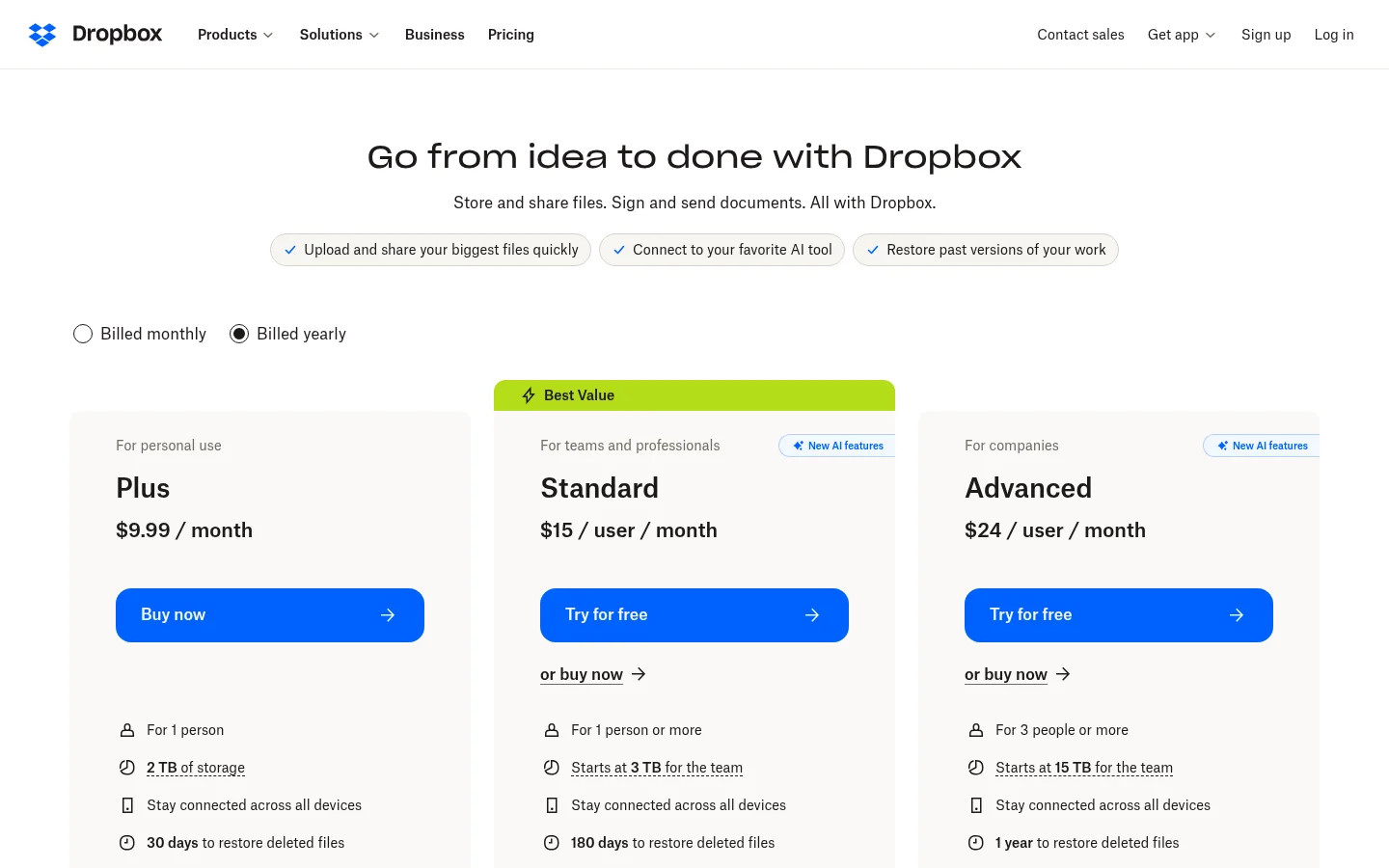
The same TrustRadius summary mentions challenges with complex file organization and versioning, a cluttered interface, and pricing and storage limitations. TrustRadius also lists occasional syncing issues, including conflicts and slow updates. Those are reported user concerns, not a promise that every team will run into them.
For a business, the practical question is where friction shows up in your own file routine. How often do several people edit the same document? Do clients need a straightforward way to send files back? What would you do if a sync leaves more than one copy? Test the tasks your team repeats, not a broad review score.
Test syncing and file access before you move
Start with a copy of one active project. Open the same folder on the devices your team uses, edit a shared file as you normally would, and compare the saved versions. If several people work on the same files, include that in the test. Notice whether the folder structure stays clear and how you identify the version your team intends to use.
Then test the client side. Send a link to someone who is not part of the project and check what the recipient needs to open it. Try the way you expect clients to send files back, and confirm where those uploads arrive. Before moving the working folder, write down how you will export or recover files if you need them later.

Use a copy of one active client folder for the test. Keep the original in place until you have checked the files, links and folder structure in the new setup.
What to check before you choose a storage platform
How renewal reminders work, and whether you can change seats before renewal
Whether a client can open a shared file without creating an account
How you would export files if you change platforms
Which plan includes the restore options you need, and how long deleted items are kept
Write down the tasks your team depends on: organize a project folder, find an earlier version, send a deliverable and collect a client's files. Run each step in a test folder, then note what the sender and recipient need to do. That keeps the decision focused on your work rather than a long feature list.
Pay attention to what a client does with links and upload requests. Check who can open each link, whether the link type requires sign-in, and where incoming files arrive. If several people need access, test with the same roles and devices they will use after the move.
Before moving client files from Dropbox, make a short decision sheet. List how your team shares final files, asks clients for uploads, finds an earlier copy and handles edits made by more than one person. Note what the recipient sees and how the sender can confirm the right file was shared. The Dropbox switching checklist for agencies gives you a separate way to prepare the move.
Where Tarkle fits
For one business-oriented comparison, start with how a platform handles file sharing, incoming files and client access. The File sharing and File requests pages are useful reference points for those tasks.
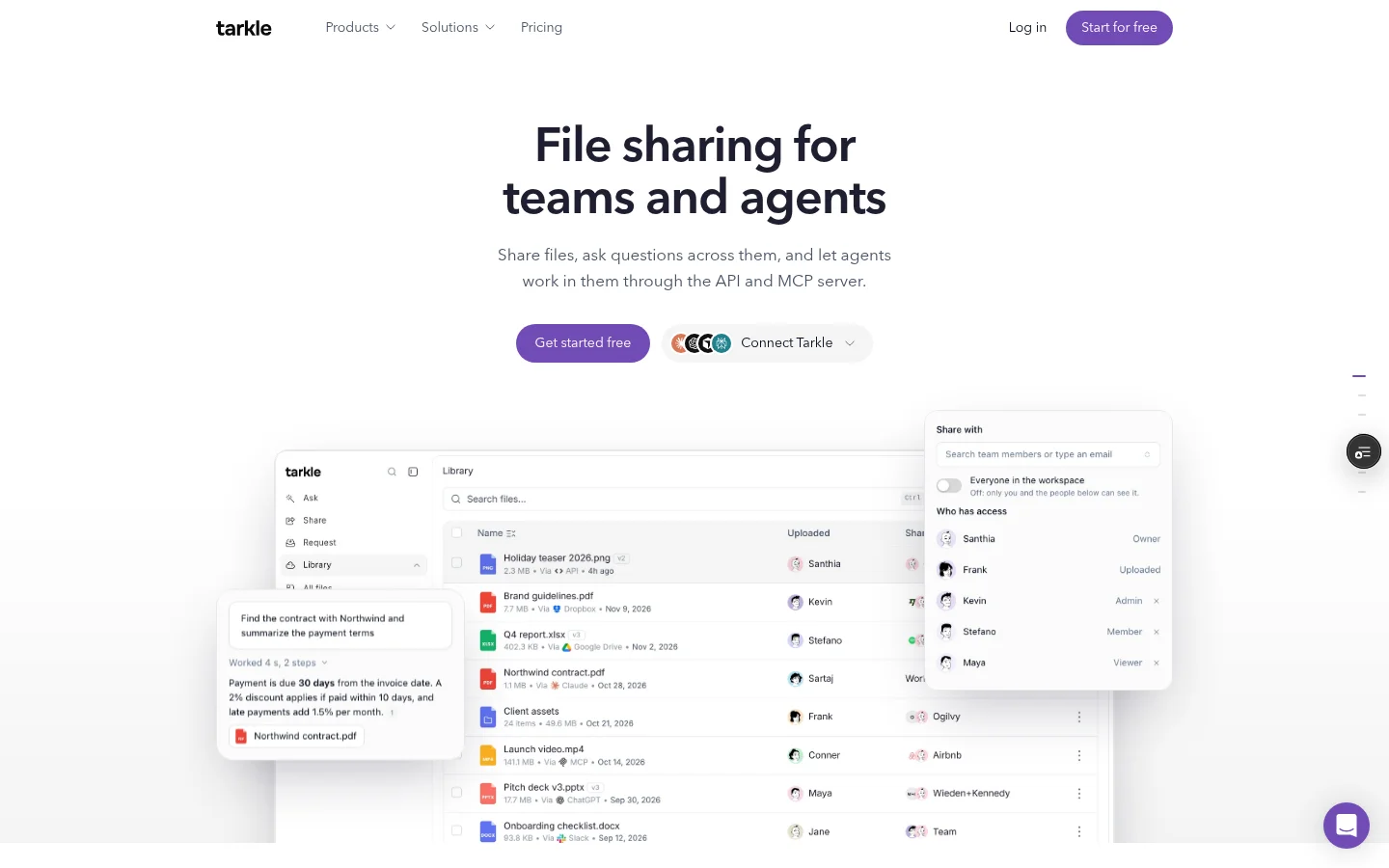
Free includes one active File request form and 50 submissions per month. Pro includes custom branding and a client portal. Agency includes a white-label platform. Agency has 10 client workspaces. Check the plans and prices page for plan details.
The portal's Files view includes files shared with a contact and files and folders that contact uploads; the upload folder itself is not listed. Portal availability depends on an eligible plan and the workspace's Client portal setting, and access must be enabled for each contact. The client signs in with the account linked to that contact. See the client portal feature as you compare how clients access files.
On a customer domain, Pro can remove Powered by Tarkle and Agency can replace it with the agency name when the workspace's Branding setting is off. Tarkle-owned domains continue to show the attribution.
Public transfers and valid private-link tokens can be opened without signing in. A transfer restricted to a client organization requires a signed-in client whose organization matches. Password and email gates can add another step before the recipient opens files.
For a direct comparison, read Tarkle vs Dropbox. If you want to compare free plans across several tools, see free Dropbox alternatives.
What to remember about Tarkle
Tarkle includes File requests on Free. The client portal is included on Pro and Agency. Start for free.
This article summarizes reported issues in publicly available Trustpilot reviews of Dropbox as viewed on August 17, 2026. Reviews are individual opinions and experiences. They are not independently verified by Tarkle, may not represent all Dropbox customers, and should not be interpreted as evidence of universal product or business practices. Product plans, policies, support channels, and pricing can change. Businesses should verify current Dropbox terms directly before making a buying decision.