Best free file sharing: plans for business (2026)

Best free file sharing for business depends on whether you send a one-off file, store working files, or need clients to send work back. This guide compares Tarkle Free with other plans by the details that change how you share: storage, transfer size, link access and client features.
Last checked: November 2026.
Best free file sharing for business: what to compare
Start by separating storage from the biggest file a plan accepts. Then check how long a link stays active, whether a recipient needs an account, and whether the service supports receiving files as well as sending them. A large storage number does not tell you how much you can send at once.
Write down the size of your largest file and whether clients need to send files back. Those details make plan limits easier to compare.
Tarkle Free: share and collect client files
Tarkle Free gives one person one workspace, 5 GB of storage and files up to 1 GB. It includes file sharing, file requests, client feedback and approval. It also includes a custom domain. See the Free plan details, file sharing, file requests and client feedback.
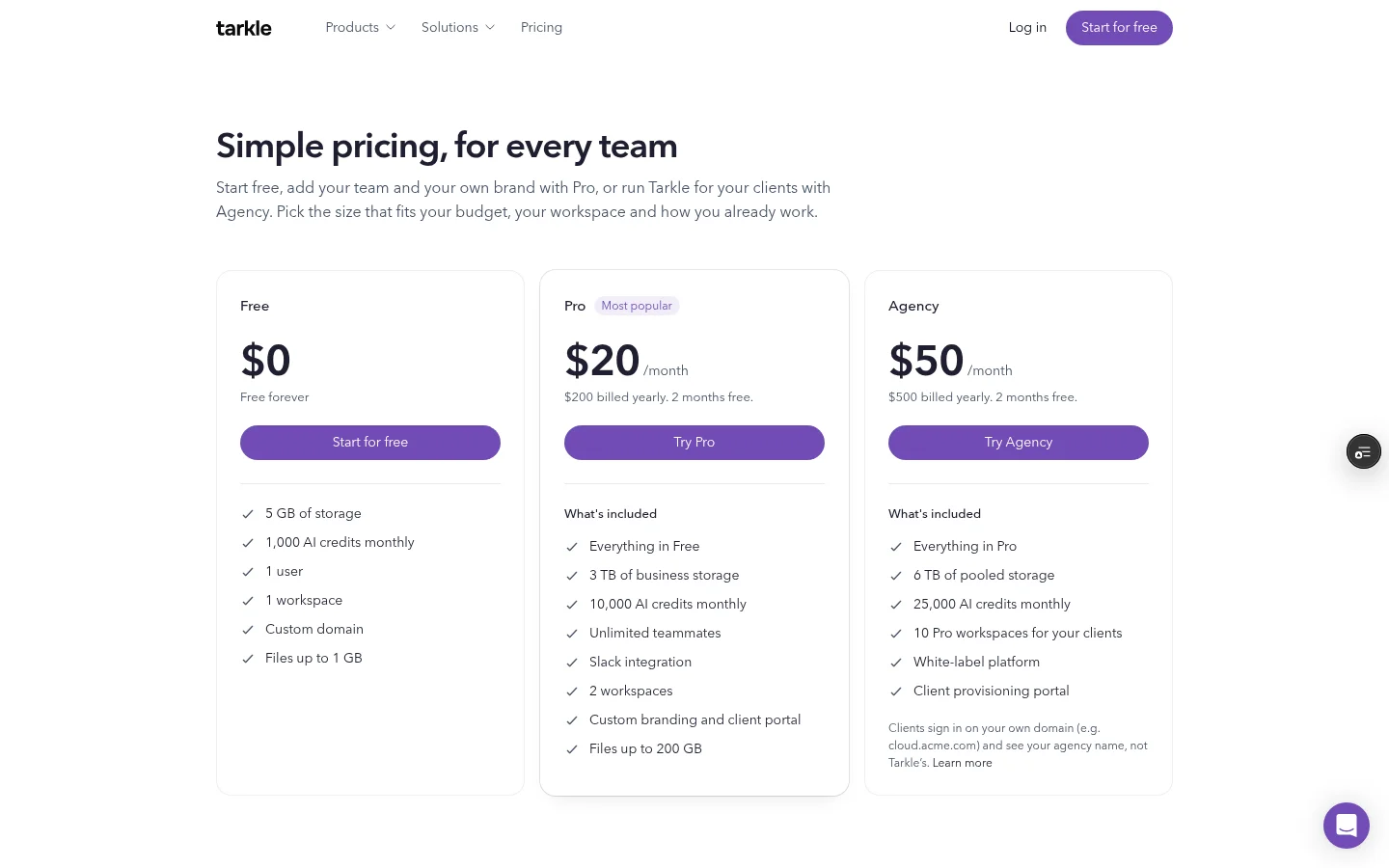
Public transfers and valid token links can open without sign-in; a transfer restricted to a client organization requires a signed-in client whose organization matches. The Free plan allows 5 active feedback boards in each workspace. Read the feedback plan limits before deciding how many review projects to keep active.
What other free file sharing plans include
WeTransfer
WeTransfer's free plan allows up to 10 transfers in a rolling 30-day window, and transfer links expire after a maximum of 3 days. See its free plan details, checked in November 2026.
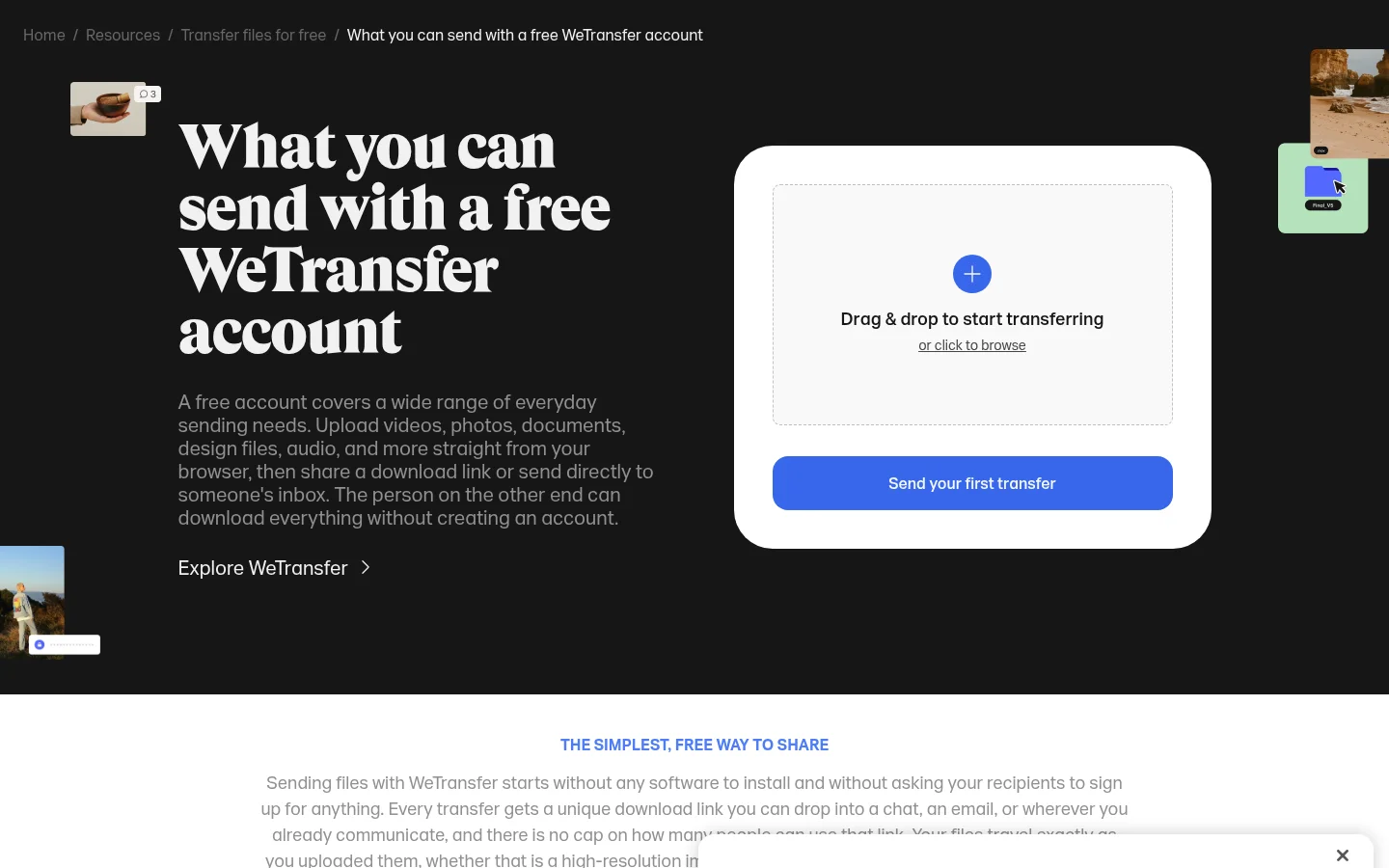
When comparing a transfer service with a file library, keep the transfer count and the link's active period separate from long-term storage. They answer different questions about how you'll deliver work.
Smash
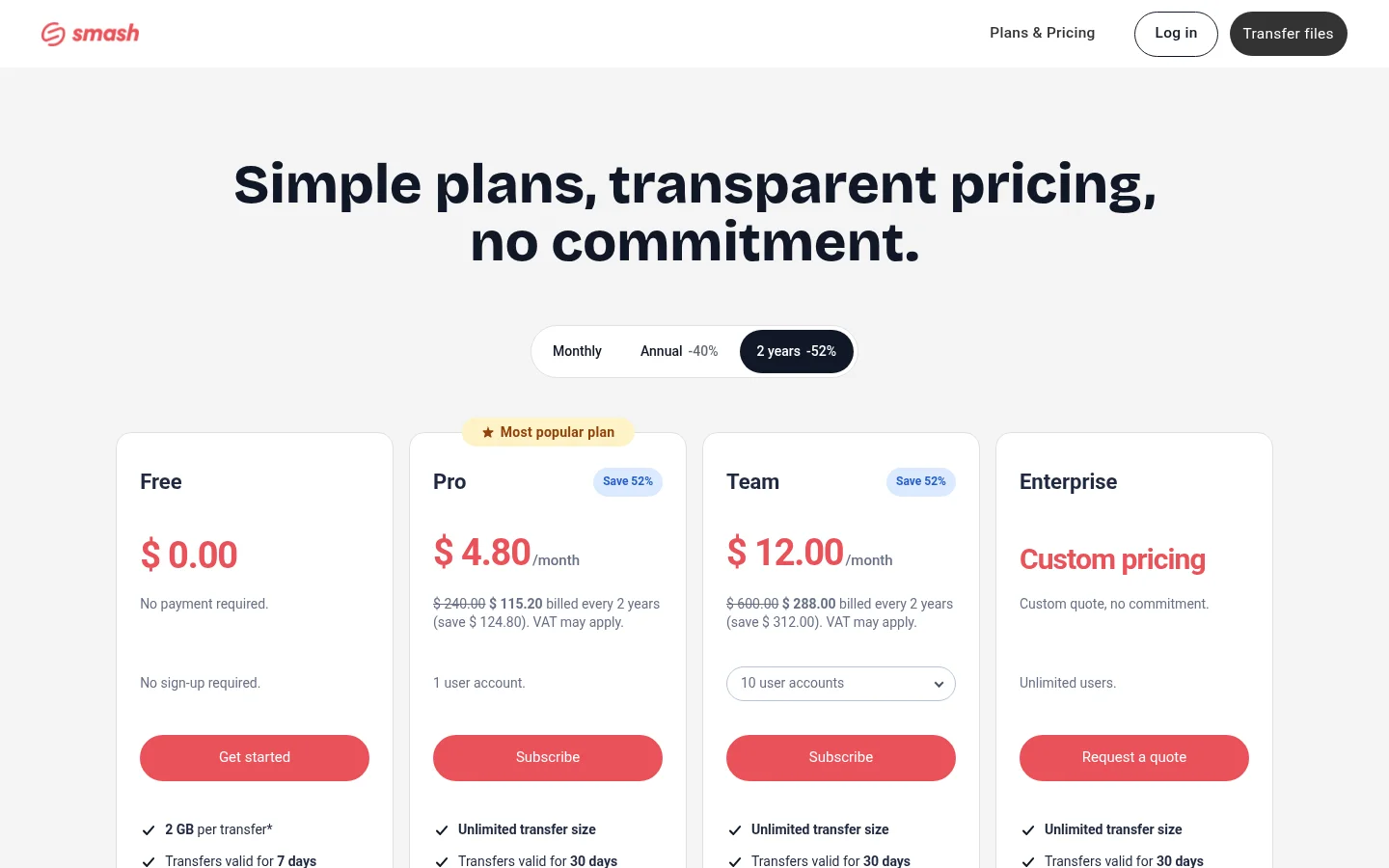
Smash says its free plan has no hard size cap, but transfers above 2 GB join a queue behind paid transfers and may take longer to send. Its pricing page lists transfers as valid for 7 days. Read Smash's free-plan details and pricing, checked in November 2026.
Google Drive
A Google Account includes up to 15 GB shared across Google Drive, Gmail and Google Photos. Google lets people share files or folders with viewer, commenter or editor access. See Google's storage details and sharing controls, checked in November 2026.
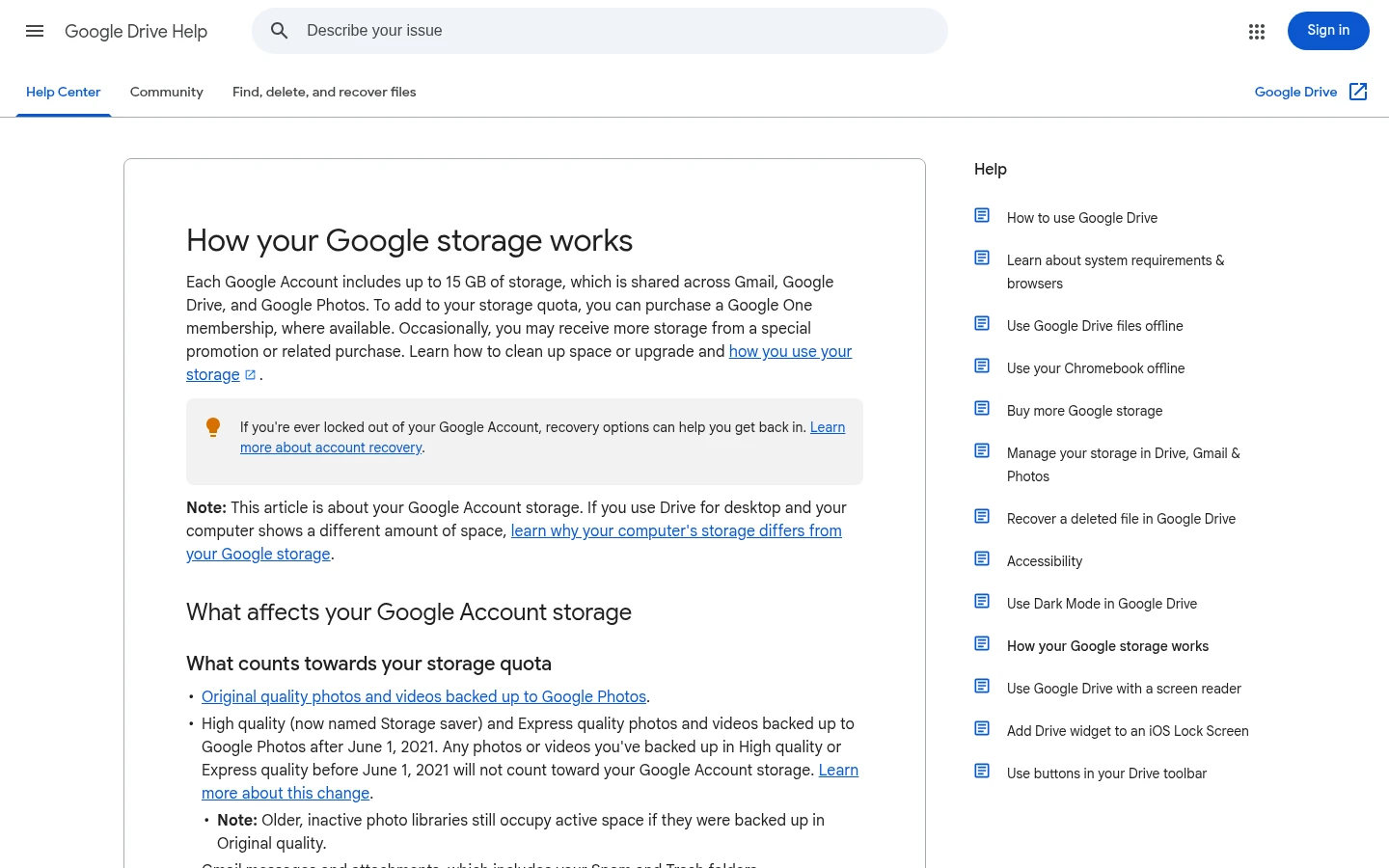
The storage is shared across those Google services, so don't read the allowance as a separate Drive-only figure.
OneDrive
Microsoft lists OneDrive Free as 5 GB for one person. Its OneDrive page also describes sharing files and photos and real-time collaboration on Microsoft 365 files. See Microsoft's storage quota table and its OneDrive sharing page, checked in November 2026. For a client-file comparison, see Tarkle vs OneDrive.
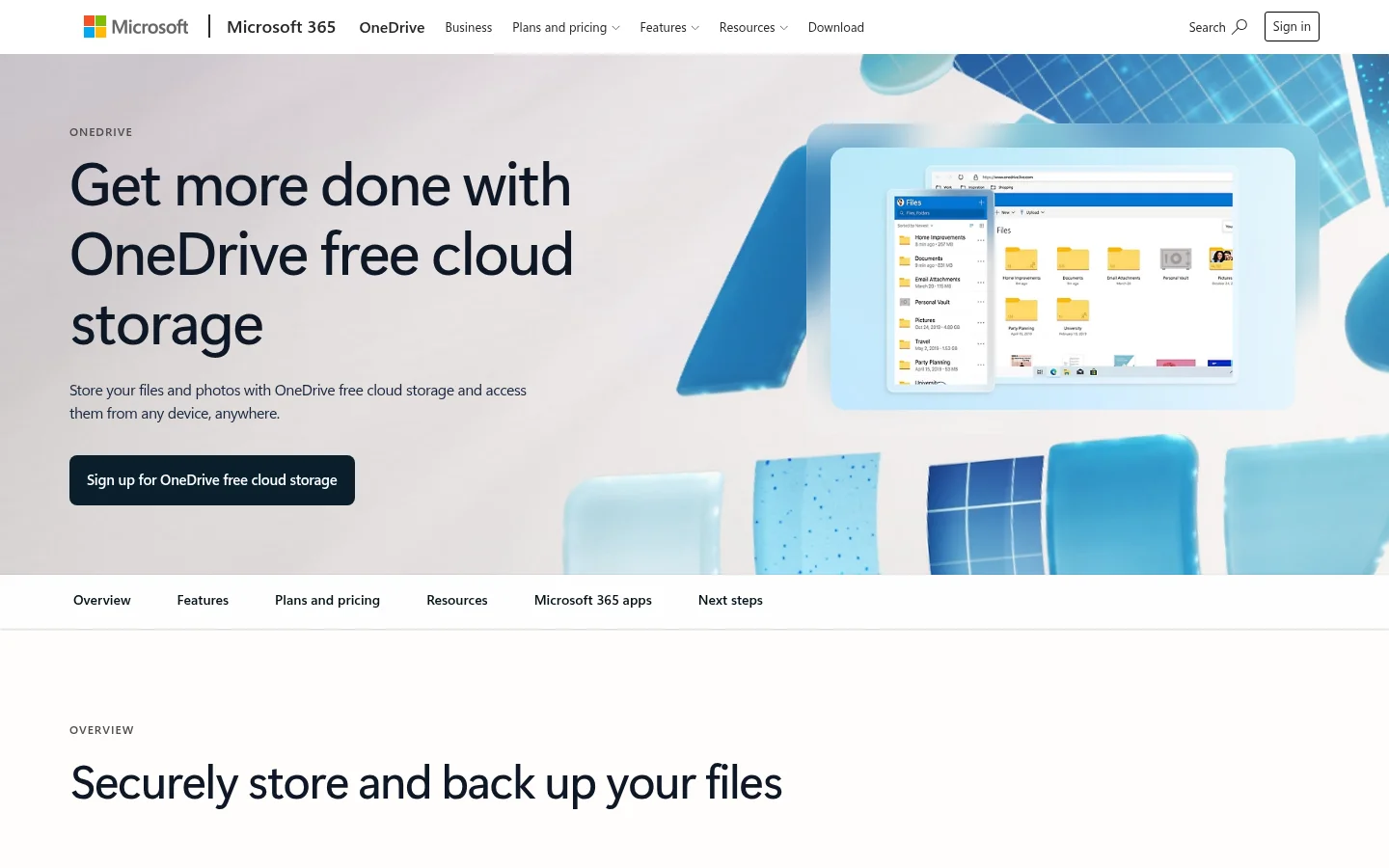
A one-person storage allowance does not by itself describe the service's sharing and collaboration features, so compare those separately.
Dropbox Basic
Dropbox Basic includes 2 GB of storage and can connect up to 3 devices. Dropbox says recipients can view or download shared links without a Dropbox account. See Dropbox Basic, checked in November 2026.
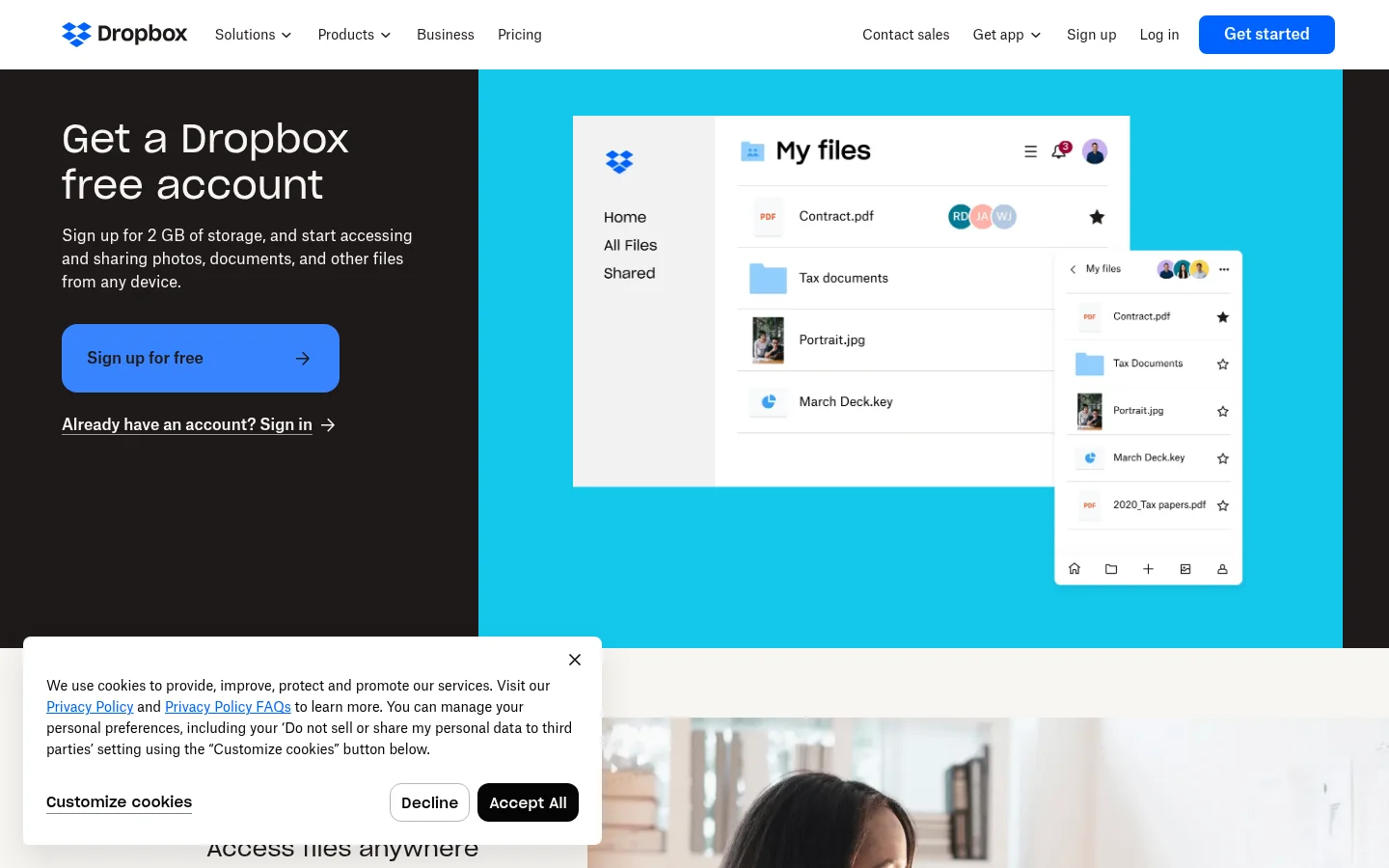
When sharing files with clients, compare the link experience with how you organize working files between sends.
Proton Drive
Proton Drive Free includes 5 GB of storage and an online document and spreadsheet editor. Proton says its Free plan provides the same level of encryption as its paid plans. See Proton Drive pricing and its file-sharing details, checked in November 2026.
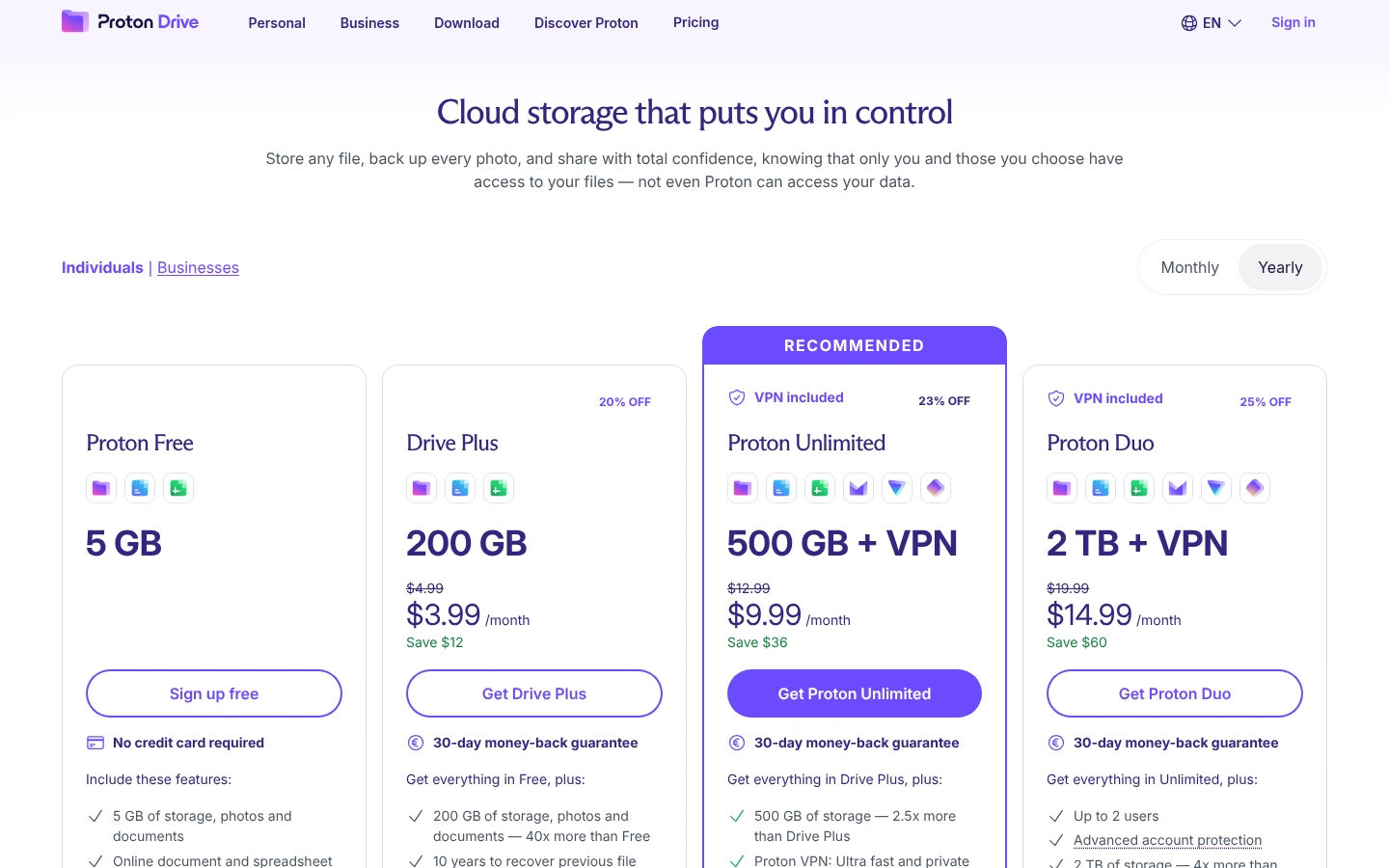
Compare storage and editing tools with the separate question of how you collect client files and manage review feedback.
When free file sharing needs a client portal
If clients need a signed-in place to find shared files and upload their own, Tarkle's client portal is available on Pro and Agency. In its Files view, a client sees files and folders shared with them and the contents of their own upload folder. The workspace setting for enabling the portal and that contact's portal access must both be on. See how the client portal works and the client portal feature.
A transfer link and a client portal serve different jobs: a transfer shares files through a link, while the portal brings shared files and client uploads together behind client access.
What to remember about Tarkle
Tarkle Free brings file sharing, file requests and client feedback together for one person, with a custom domain for sharing links. Pro and Agency add the client portal, with client access enabled for the workspace and each contact. Start for free.