Best white label file sharing software: 6 tools (2026)

The best white label file sharing software for an agency depends on what clients need to do: open a branded link, send files back, or work in a client portal. This comparison looks at six tools and the public details that help you tell those jobs apart.
Best white label file sharing software: what should you compare?
A vendor may use “white label” for a custom domain, a branded sign-in page, emails from your address, or a portal styled with your name. Compare the exact places clients see the brand, then check whether file delivery and file collection are built into the same service.
A useful shortlist starts with four questions: where does a client sign in, what name appears on the pages and email, how do clients send files back, and which plan includes the parts you need? Compare each vendor's stated plan details, rather than treating the lowest displayed price as the whole cost.
Tarkle: branded file sharing for your own clients
Tarkle's Agency plan combines a white-label platform with client workspaces. It includes 10 workspaces for clients and 6 TB of pooled storage; clients sign in on your domain and see your agency name. Agency is $50 per month or $500 billed yearly. See the Agency white-label platform and client workspaces for the parts of the setup.
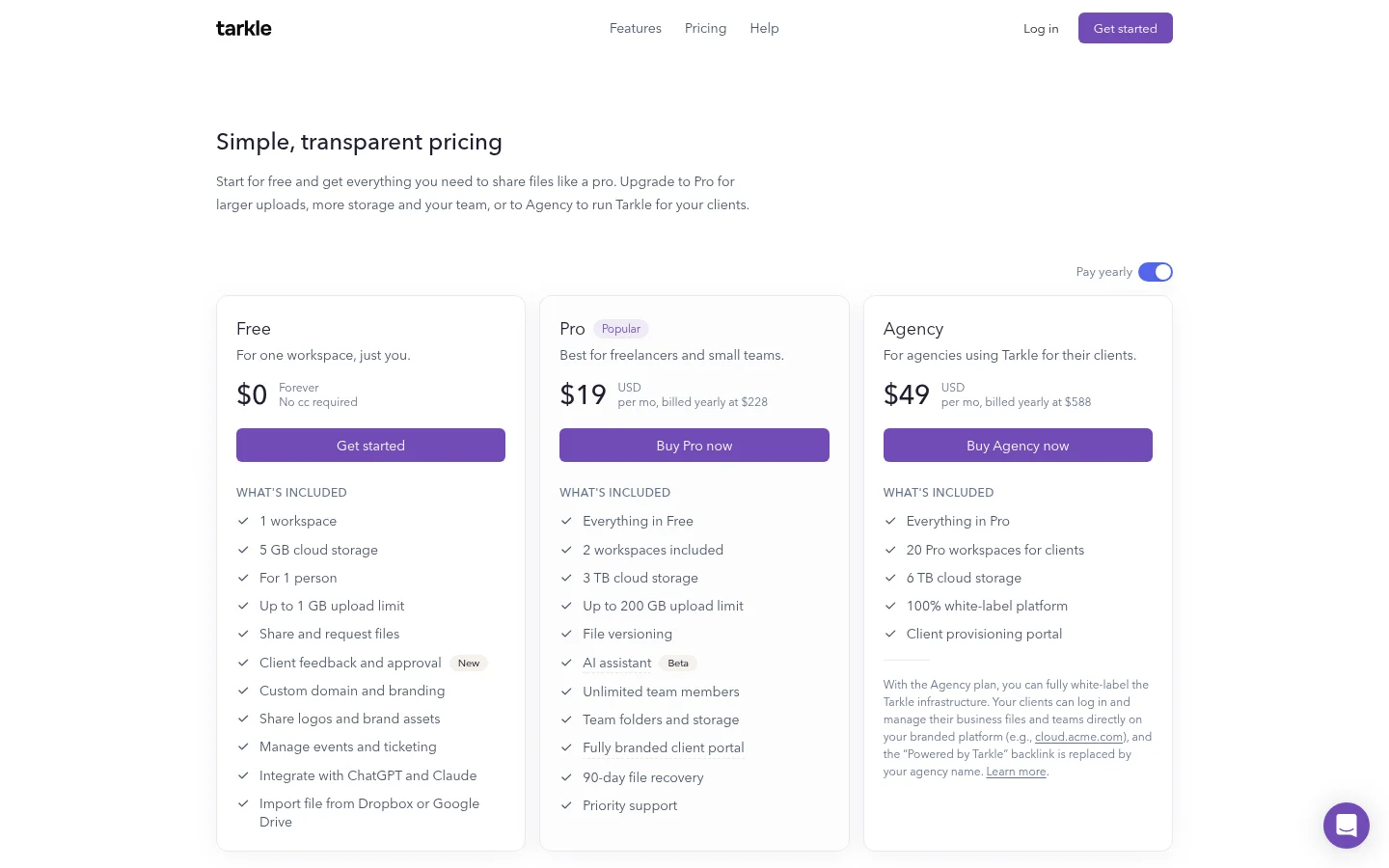
The brand settings include your organization's name, logo, favicon and accent color. White label takes effect when the organization is active, the Agency plan is in force and the White label switch is on. The setup guide explains what the brand changes.
A file transfer is how you share files. A file request lets another person send files into a workspace folder. For an agency comparing the full client-facing setup, those tasks sit alongside the branded portal and separate client workspaces.
SuiteDash: portal and business tools together
SuiteDash brings CRM, client portals, projects, documents and billing together, according to its home page. Its white-label page describes a custom domain with SSL, a branded login page, portal styling, notification emails and a browser-installable mobile app. It says Extreme White Labeling and a Custom Branded Mobile App are listed on every plan. (Vendor pages checked November 2026.)
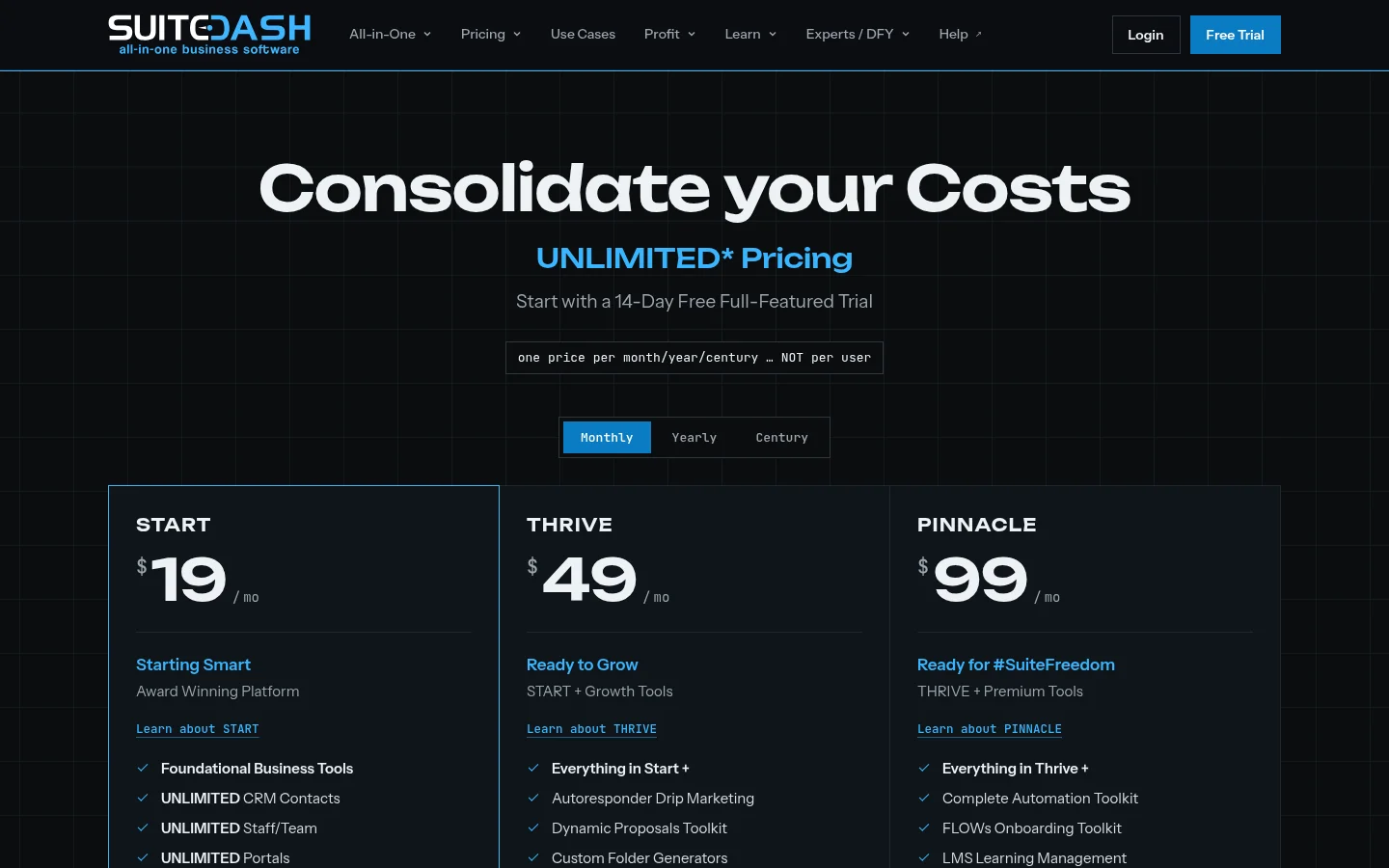
The comparison point is scope: SuiteDash presents a branded portal alongside CRM, projects and billing. If you are comparing file services, note how much of the product you want to use in addition to sending and collecting files.
Clinked: client workspaces with files and tasks
Clinked describes its product as a white-label collaboration platform for files, communication, tasks and document approvals. (Vendor page checked November 2026.) Its pricing page is a place to check plan details alongside the tool's file-sharing and collaboration features.
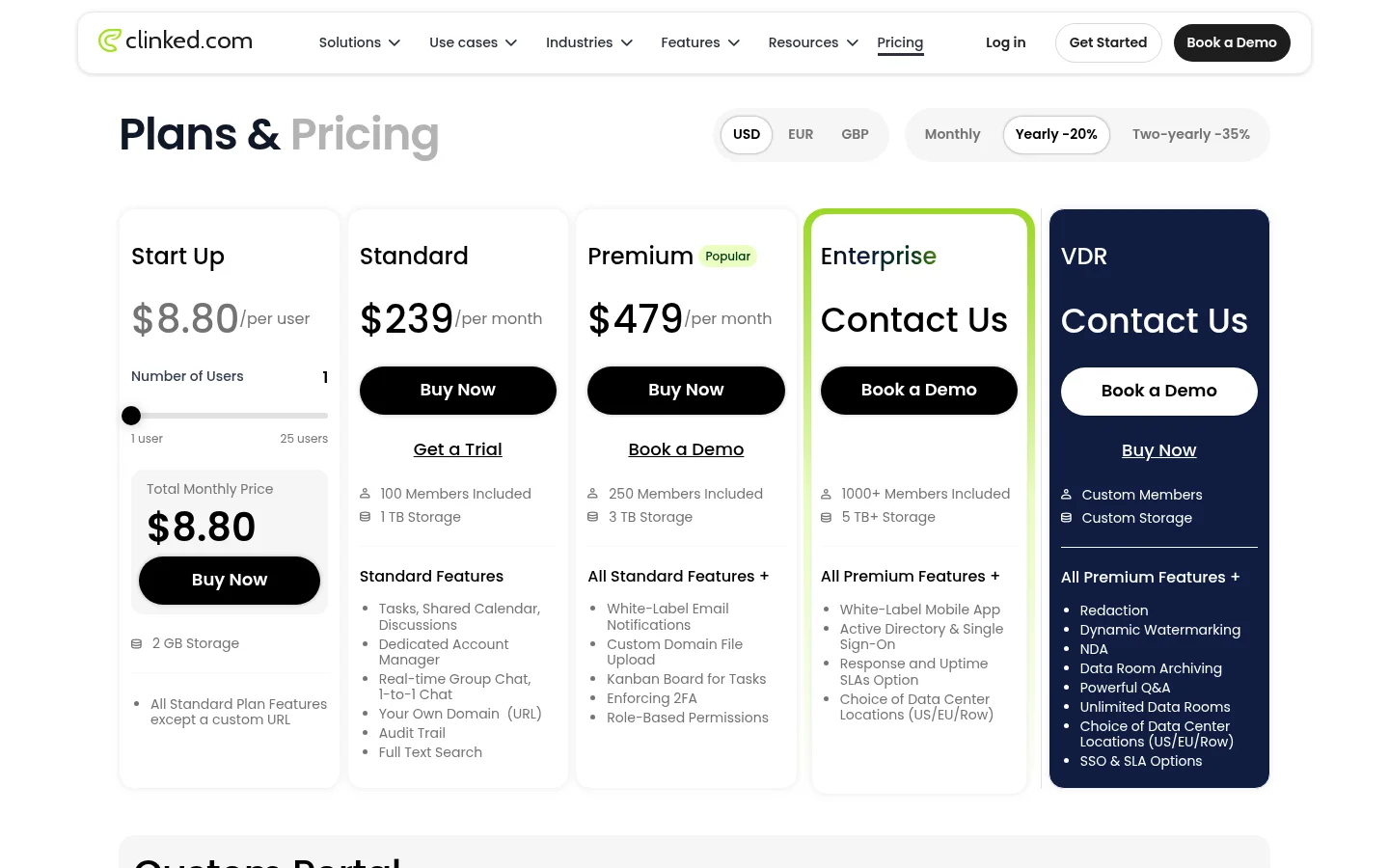
Clinked's description centers on shared workspaces for files and team tasks. The Tarkle vs Clinked page looks more closely at the file-sharing comparison.
Filecamp: creative asset libraries
Filecamp says it helps marketing professionals manage creative assets such as images, logos, brand guidelines and videos. Its pricing page highlights the ability to create custom-branded portals for clients and partners. (Vendor pages checked November 2026.)
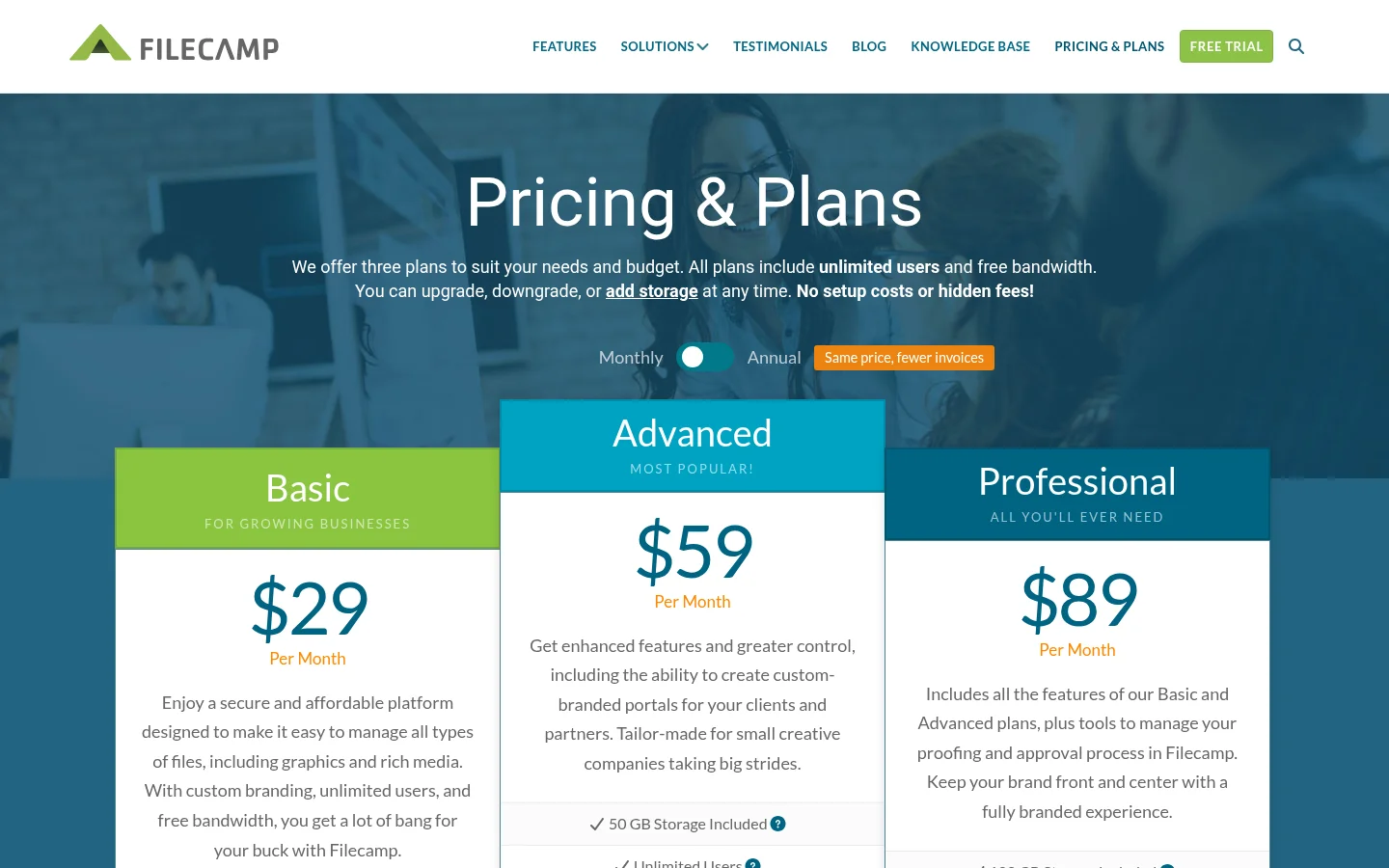
That makes the key comparison about the library and how you distribute assets. See the Tarkle vs Filecamp comparison for the client file-sharing angle.
Assembly: configurable client portals
Assembly describes a portal for onboarding, collaboration and ongoing client work. Its client portal page says clients can use your custom domain, emails from your address and a portal with no mention of Assembly on Professional and up. The pricing page lists 5 active contacts on Free. (Vendor pages checked November 2026.)
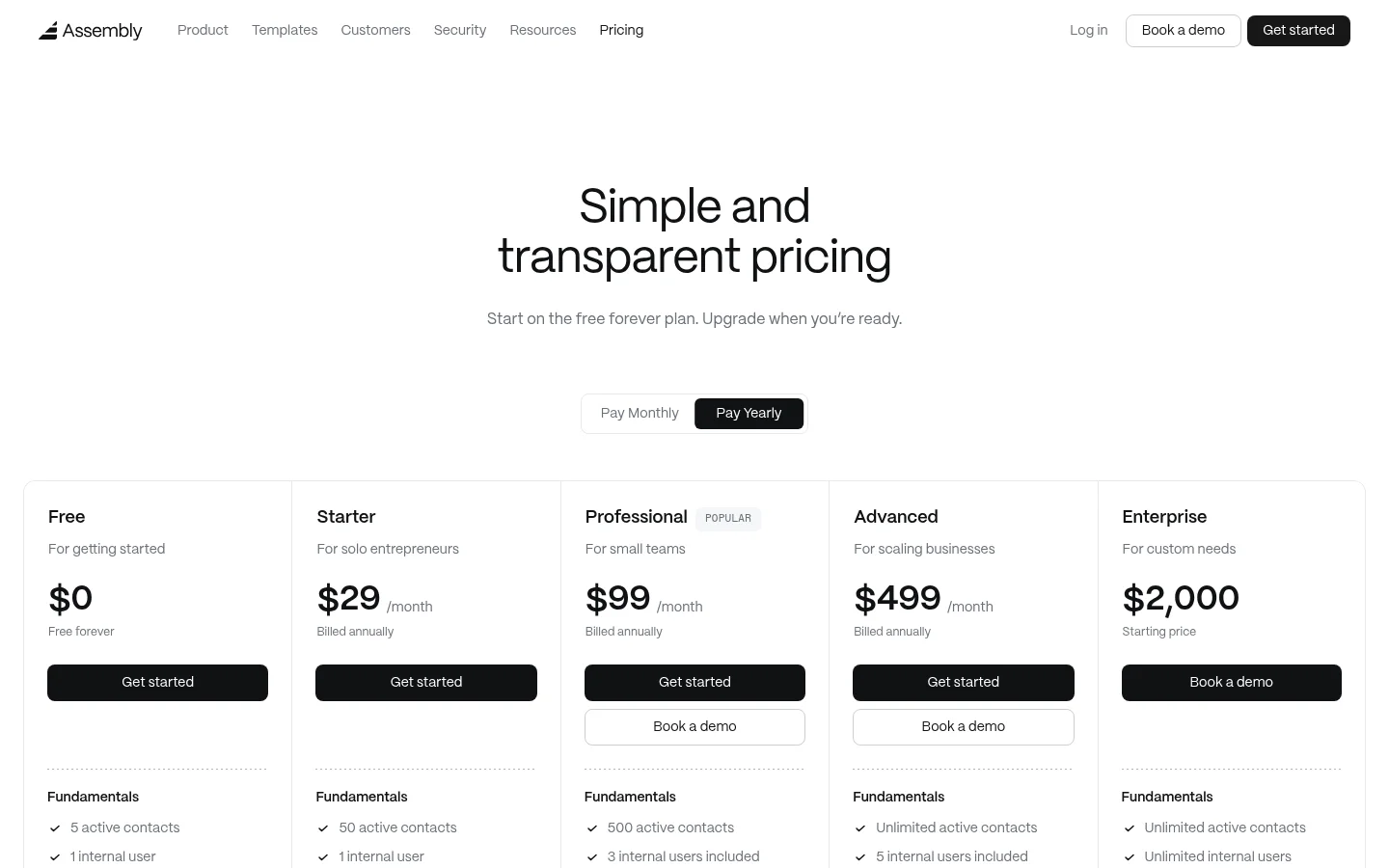
For an agency, compare the portal-building approach with the file transfer and upload-request steps your clients use most.
Moxo: branded portals for client processes
Moxo's client portal page describes separate branded portals for clients and vendors, each running its own processes. The page lists document requests, forms, uploads, e-signatures, approvals, secure messaging, invoices and payments. (Vendor page checked November 2026.)
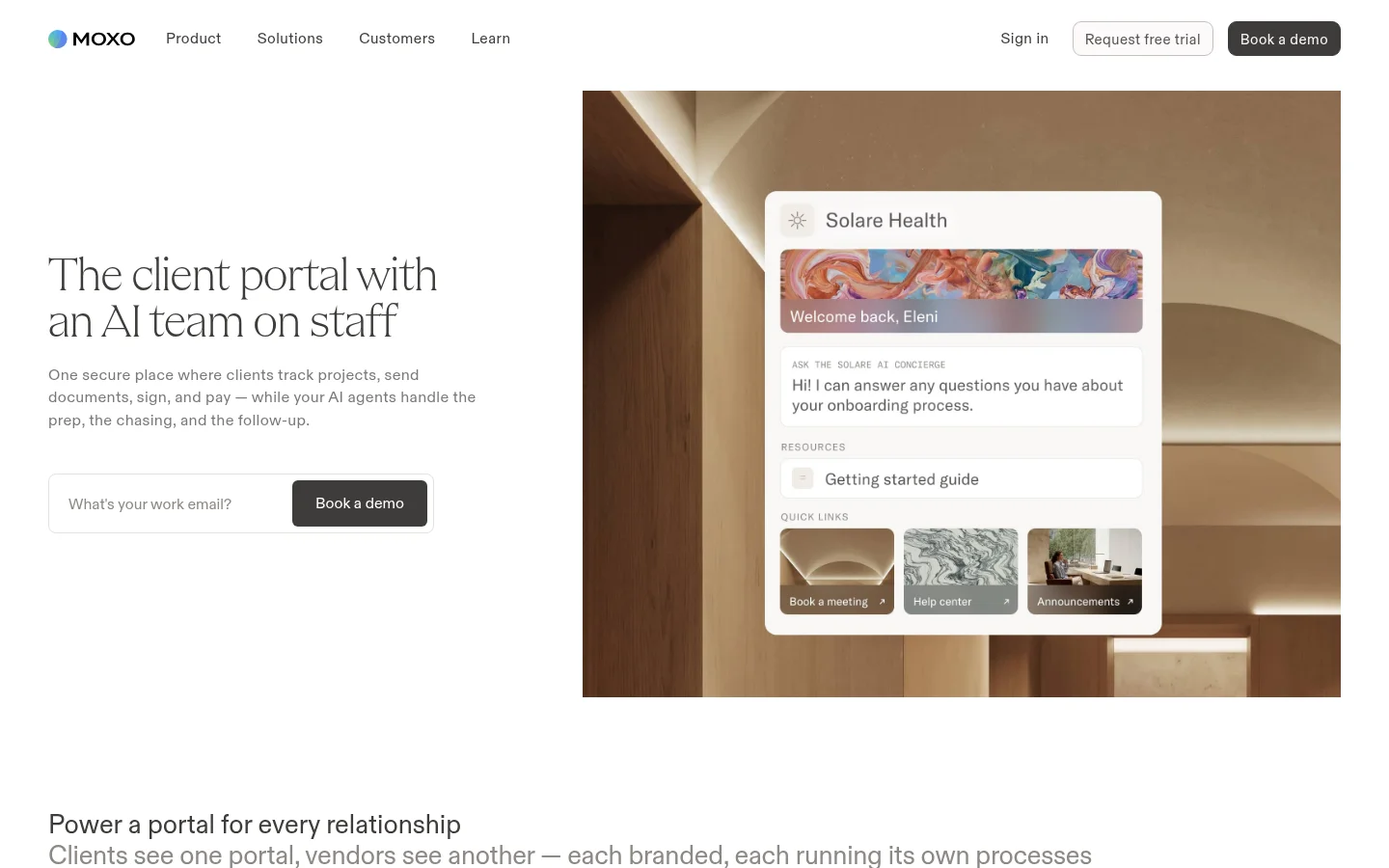
Use the tasks described on Moxo's page to check whether its portal's steps line up with what your clients need to do around files.
Make the comparison with a client task
Take one real delivery: share a finished file, ask for a missing document, and let the client review the result. Check the route a client takes at each stage, from the first link to the place they return to later. For a practical test, list the domain, visible brand, client sign-in, file return method and plan tier side by side.
Write down one client task before you visit vendor pricing pages. It keeps the comparison focused on the pages and actions your clients will actually use.
Tarkle is built around file delivery for agencies: its Agency plan brings client workspaces and a white-label platform together, with clients signing in on your domain under your agency name. The organization must be active, Agency must be in force and White label must be enabled for that branding to apply. Compare Tarkle's plans and prices.
What to remember about Tarkle
Tarkle's Agency plan offers a white-label platform for agencies that serve their own clients. Start for free.